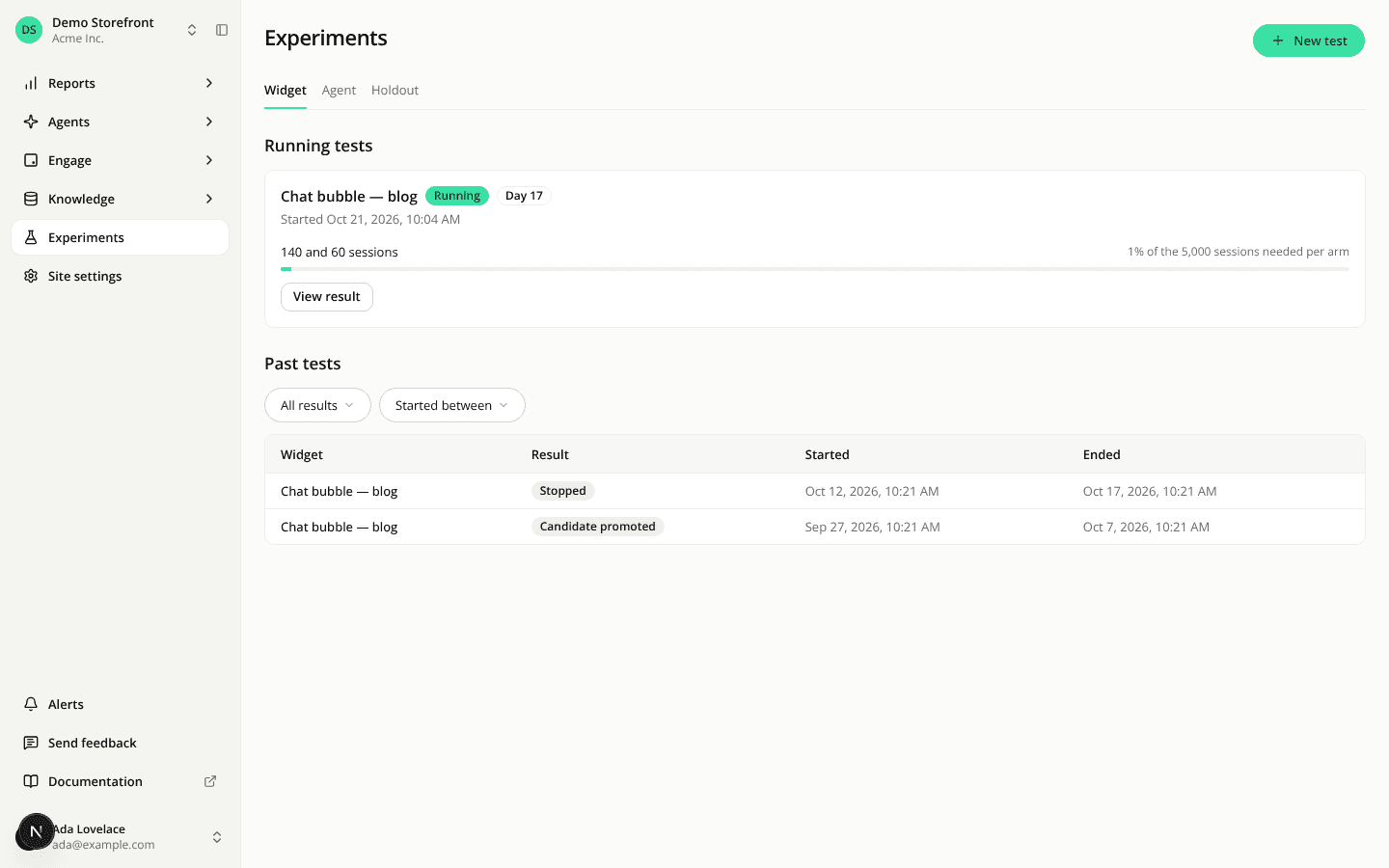
iAdvize

Changelog

Product updates to the AI Shopping Assistant, newest first.

385 updates

Changed

Needs review flags unsourced hard facts, not embellishments

Stuck to known facts now checks hard facts only (prices, stock, links, terms, product figures, ingredients), so the trust reason in Needs review and the Facts not sourced tile point at real factual errors.

Read more
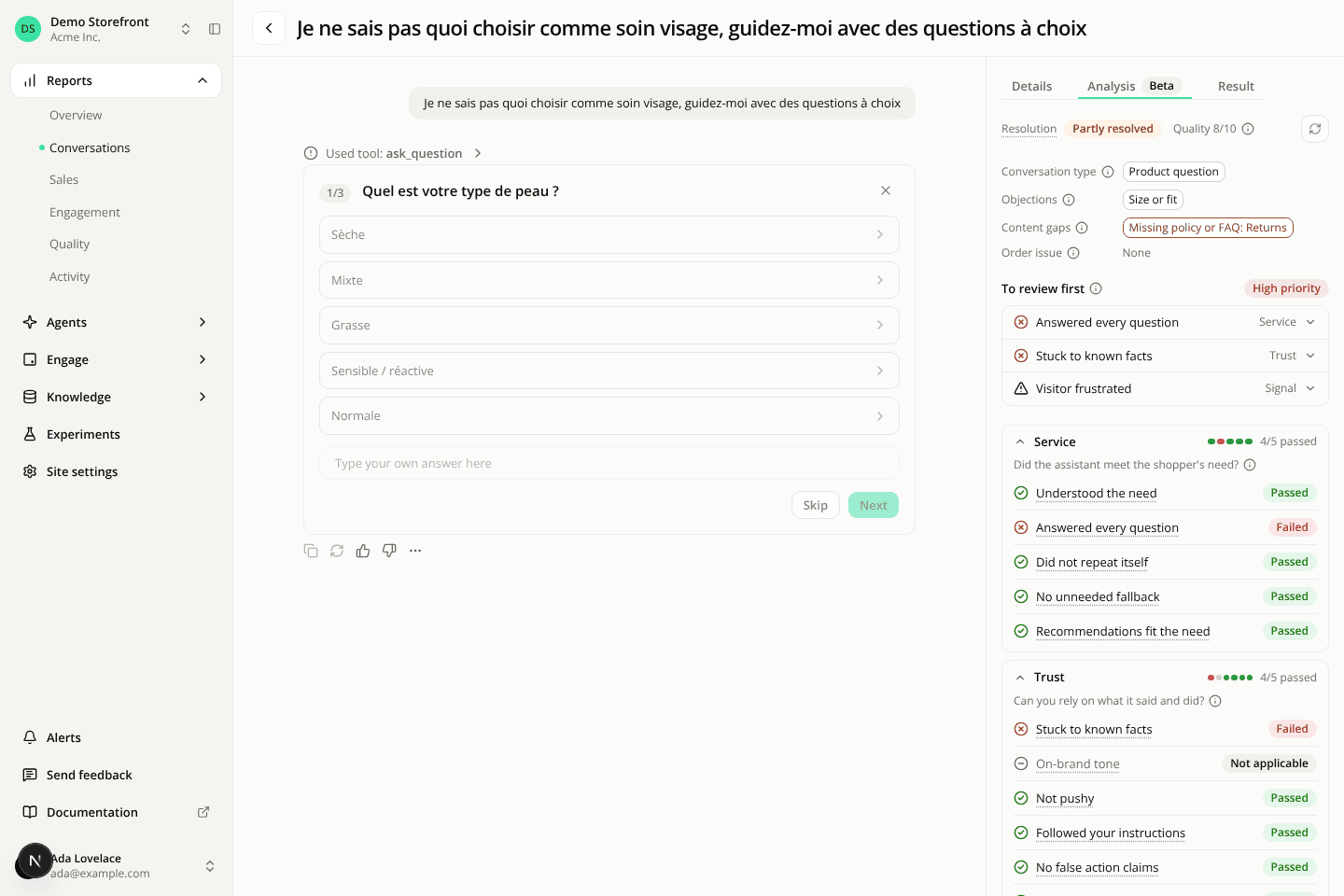
A conversation page. On the right, the rail's Analysis tab is selected between Details and Result. It shows the resolution Partly resolved, Quality 8/10 and the Label now refresh icon, fact chips for Product question, Size or fit and Missing policy or FAQ Returns, then To review first with a High priority badge and three closed rows, Answered every question tagged Service, Stuck to known facts tagged Trust and Visitor frustrated tagged Signal. Below, the Service and Trust groups are open, each headed 4/5 passed with a row of colored bars, listing their criteria as Passed, Failed or Not applicable.
Changed

The conversation rail is now three tabs, with a clearer Analysis tab

Details, Analysis and Result are now tabs beside the transcript. Analysis leads with what to review, with a plain-words definition on every label.

Read more
Fixed

An inline widget no longer shows twice when your theme re-renders its spot

An inline widget placed with a CSS selector, just before or just after an element, showed twice when your storefront theme re-rendered that element. It now shows once.

Read more
Fixed

Suggested replies stay in the shopper's language after a bare product name

When a shopper types only a brand or product name, the suggested replies now follow the language of the conversation instead of guessing one from the name.

Read more
Fixed

A question waiting for the shopper no longer reads as a system fault

In conversation labeling, an assistant reply made only of a question block the shopper hasn't answered no longer counts as empty, so it is no longer flagged as a system fault or as no answer.

Read more
Fixed

The panel header stays in view on phones

On a phone, the header of the shopping panel (the assistant's name, the menu and the close button) could slide out of view under the status bar. The panel now stays aligned with what the shopper can see.

Read more
Fixed

The embedded panel no longer slides off the edge on iPhone

Tapping a text field in the chat no longer makes iPhone Safari zoom your page, so the embedded panel stays fully on screen instead of losing its left edge.

Read more
Fixed

Conversations keep working where the browser blocks the panel's cookie

On browsers that block the assistant's cookie inside the panel, chiefly Safari before 26.2, a second message, a rating, a deletion and resuming on another page now work.

Read more
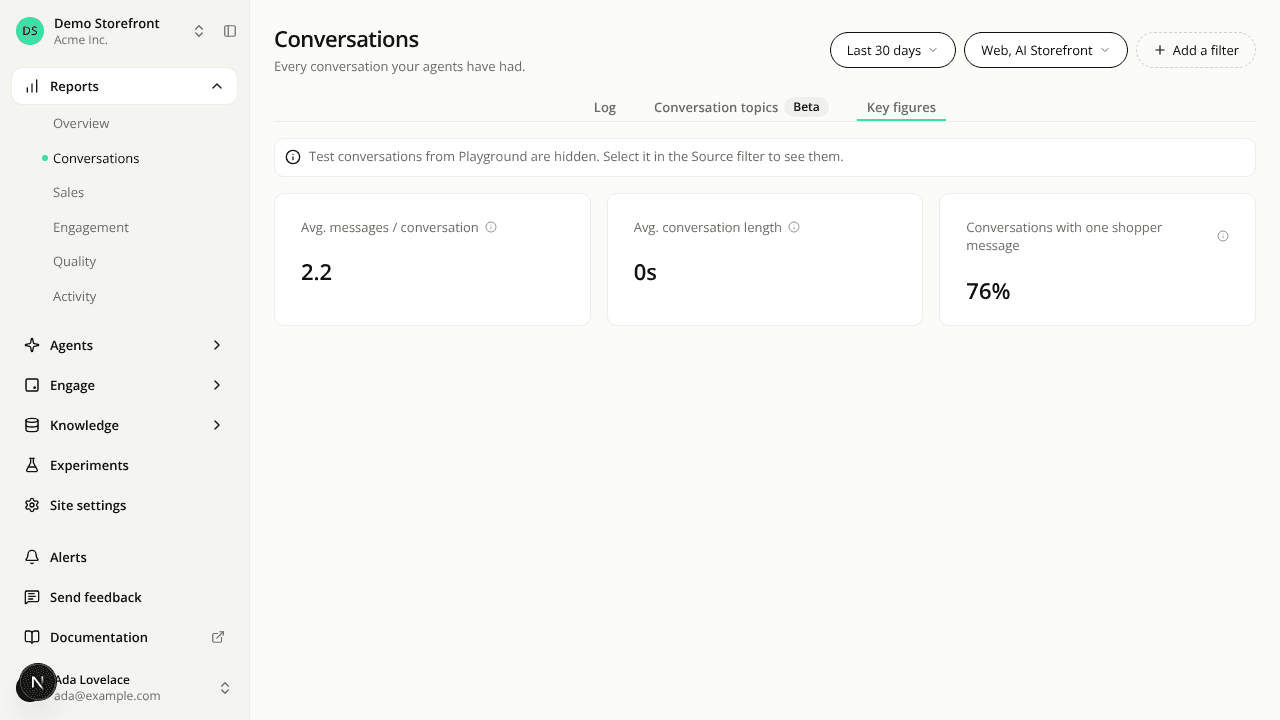
The Key figures tab of the Conversations page, with the average messages, the average conversation length and the share of conversations with one shopper message.
Added

Key figures shows the share of conversations with one shopper message

The Averages tab is now Key figures, with a third figure: the share of conversations in the range where the shopper wrote a single message.

Read more
Fixed

The test-conversations notice only shows when it explains an empty list

The Conversations notice about hidden Playground test conversations no longer sits above real shopper rows. It shows only when your filters match test conversations and no web or AI Storefront conversation.

Read more
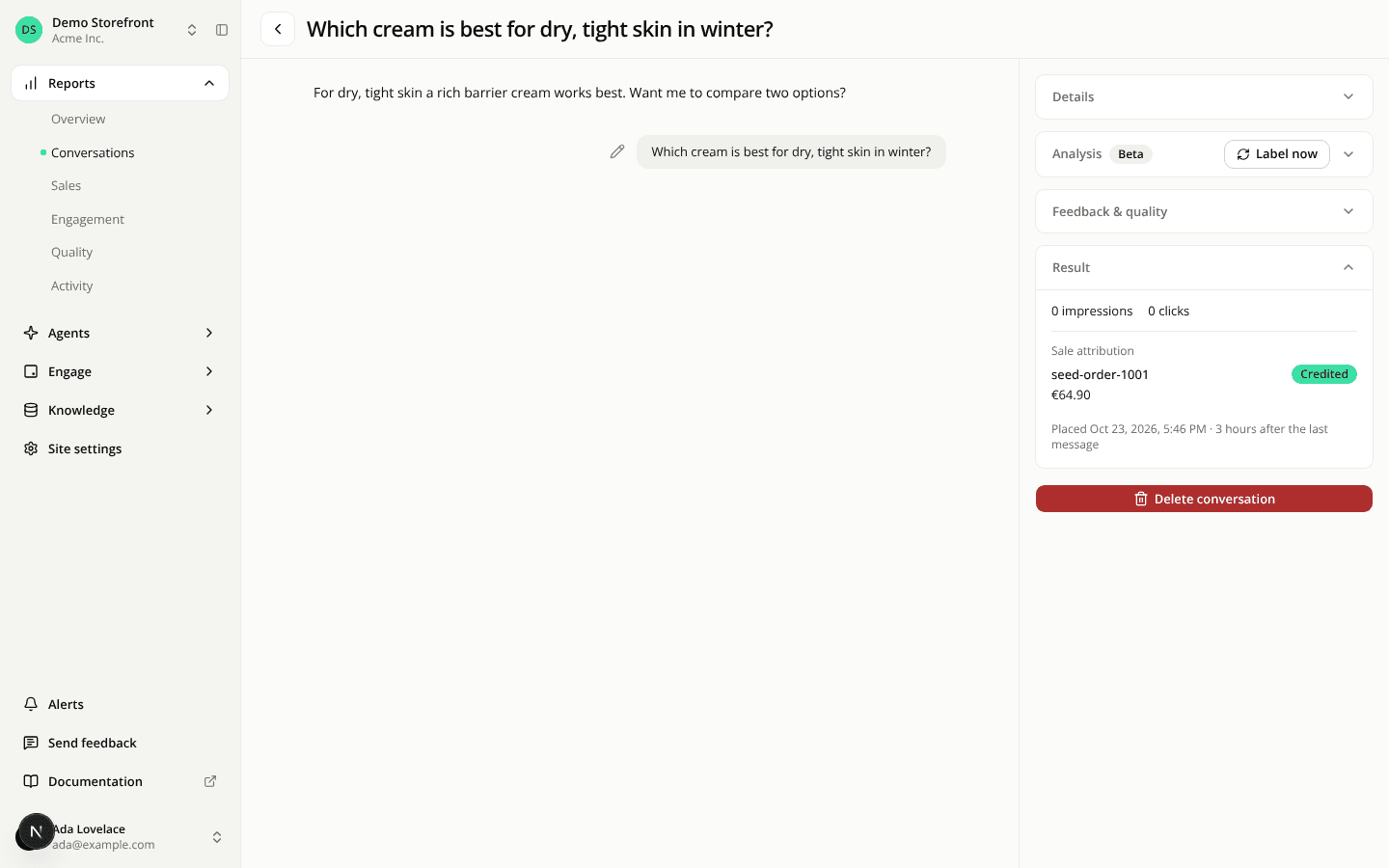
A conversation detail page with the transcript on the left and the rail on the right. The rail's Result section is open and shows 0 impressions and 0 clicks, then a Sale attribution part listing order seed-order-1001 with a green Credited badge, a net amount of €64.90, and the line "Placed Oct 23, 2026, 5:46 PM · 3 hours after the last message".
Added

See the orders linked to a conversation

A conversation's Result section now lists the orders that carry its join key, with their net amount, whether each was credited to the assistant, and why not when it wasn't.

Read more
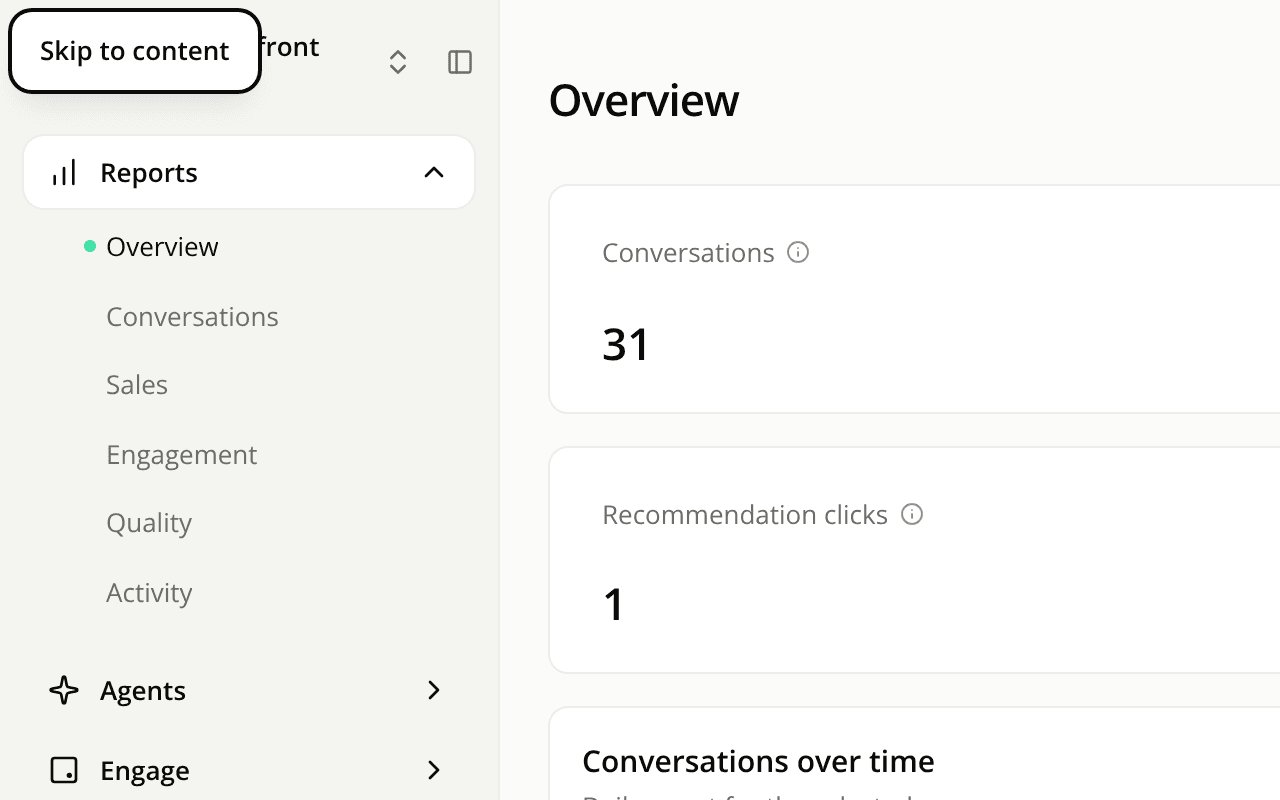
The top left corner of the dashboard after pressing Tab once. A Skip to content link shows over the site switcher, above the sidebar's Reports section.
Fixed

The dashboard works better with a keyboard and a screen reader

A Skip to content link opens the dashboard's Tab order, the sidebar is announced as navigation, unnamed controls now have a name, and the docs' active link is easier to read.

Read more
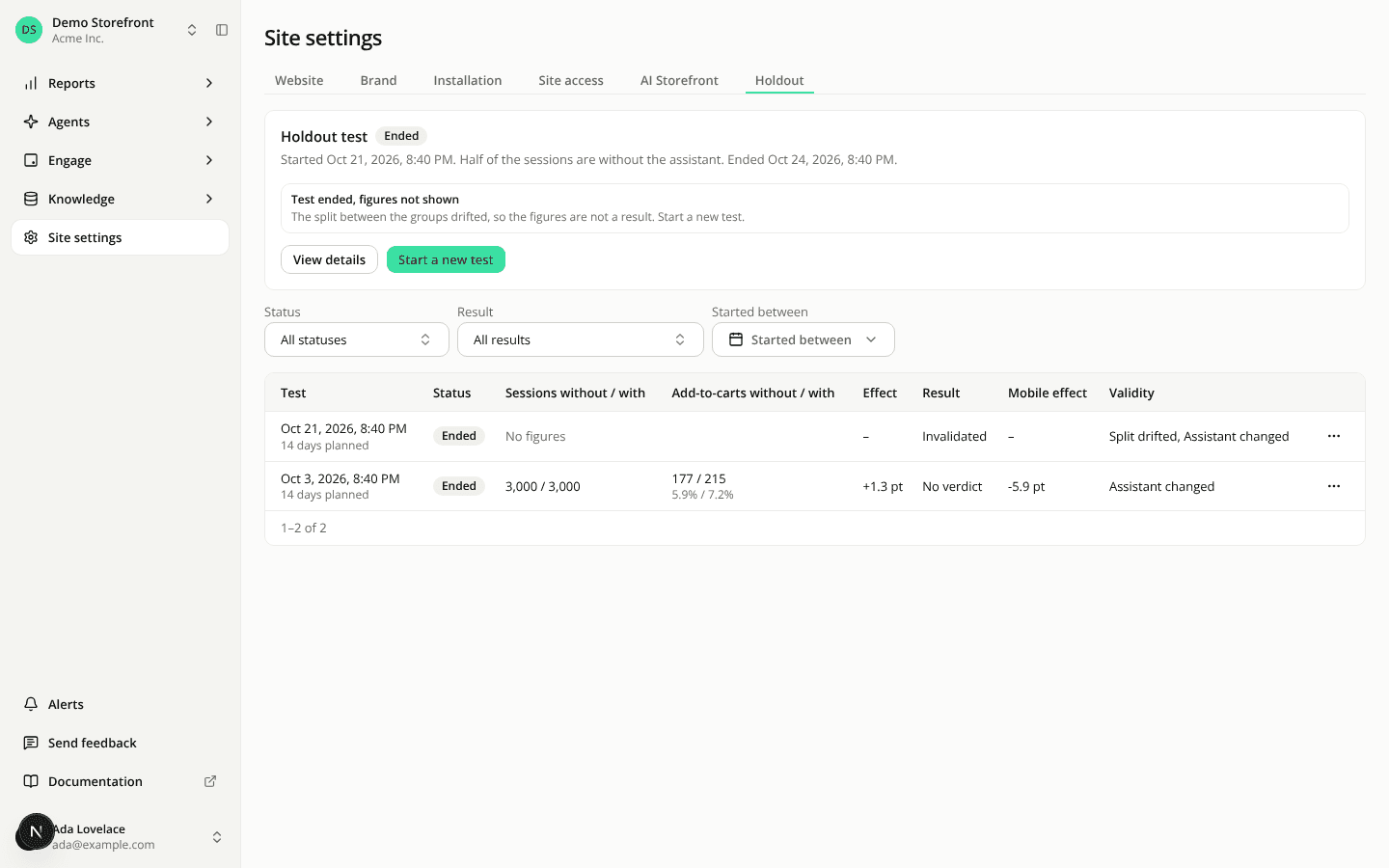
The Holdout tab with the compact test card and a table of two tests, showing sessions and add-to-carts per group, the effect, the result and a validity note.
Added

The Holdout tab lists every test and opens each one in detail

A table of all the site's holdout tests with filters and row actions, a page per test, a compact card with a four-check health line, and new REST and MCP reads.

Read more
Showing 20 of 385