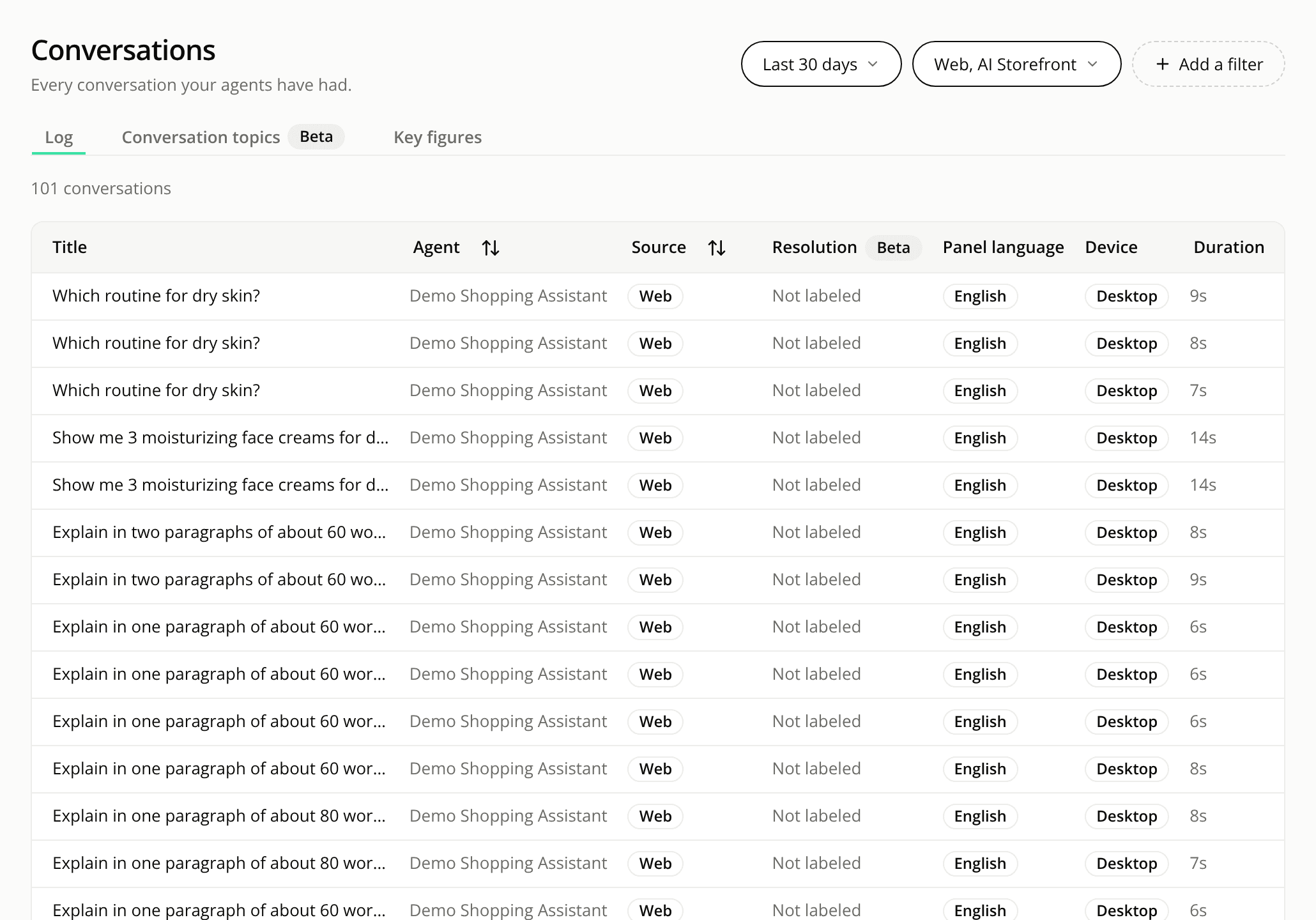
Conversations and Alerts tabs line up on the left
FixedThe tabs on Conversations and Alerts start at the left edge. The tab line spans the full width of the page, but its tabs sat in the middle of it. They now start at the left, so the line reads from one side.
On the Conversations page, the tabs are Log, Conversation topics and Key figures. On the Alerts page, they are Open and Resolved.
Only the position changed. The tabs, their labels, the badges and what each tab shows are the same, and the tab you pick is still the one the page opens on.