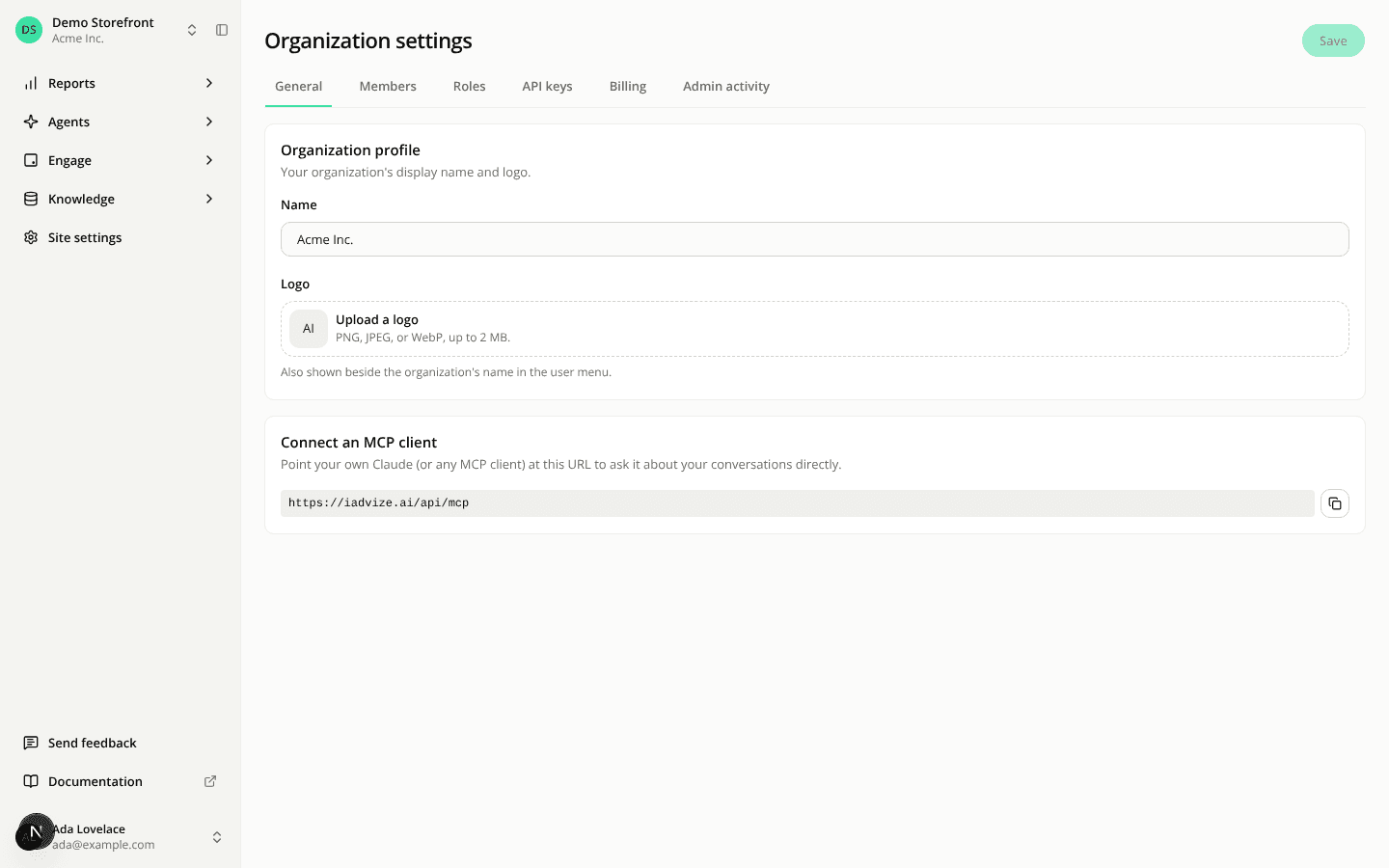
Avatars, logos and favicons share one image field
ChangedThe agent avatar, your account avatar, the organization logo, and a site's logo and favicon now use the same field.
Empty, it asks for a file. The drop area says what to do ("Upload a logo", "Upload a favicon", "Upload an avatar") and lists the accepted formats and size. Click it or drop a file on it. The field's name shows once, above it, instead of twice.
With an image, you get two buttons. Replace picks a new file and swaps it in. Dropping a file on the image does the same. Remove clears the image and brings the drop area back. On an agent, Clear avatar is now Remove.
Your login provider's photo can't be removed. If your account avatar comes from Google, Microsoft or another login provider, Remove is disabled and says why. Replace still works, and a line under the field says the photo comes from your login provider.
Where the image shows is now under the field. For example, the site favicon's note says it shows beside the site's name in the site switcher.
Read-only views show the image alone. A saved agent version, or the organization profile for a member who can't edit it, shows the image with no upload or buttons.
Resources