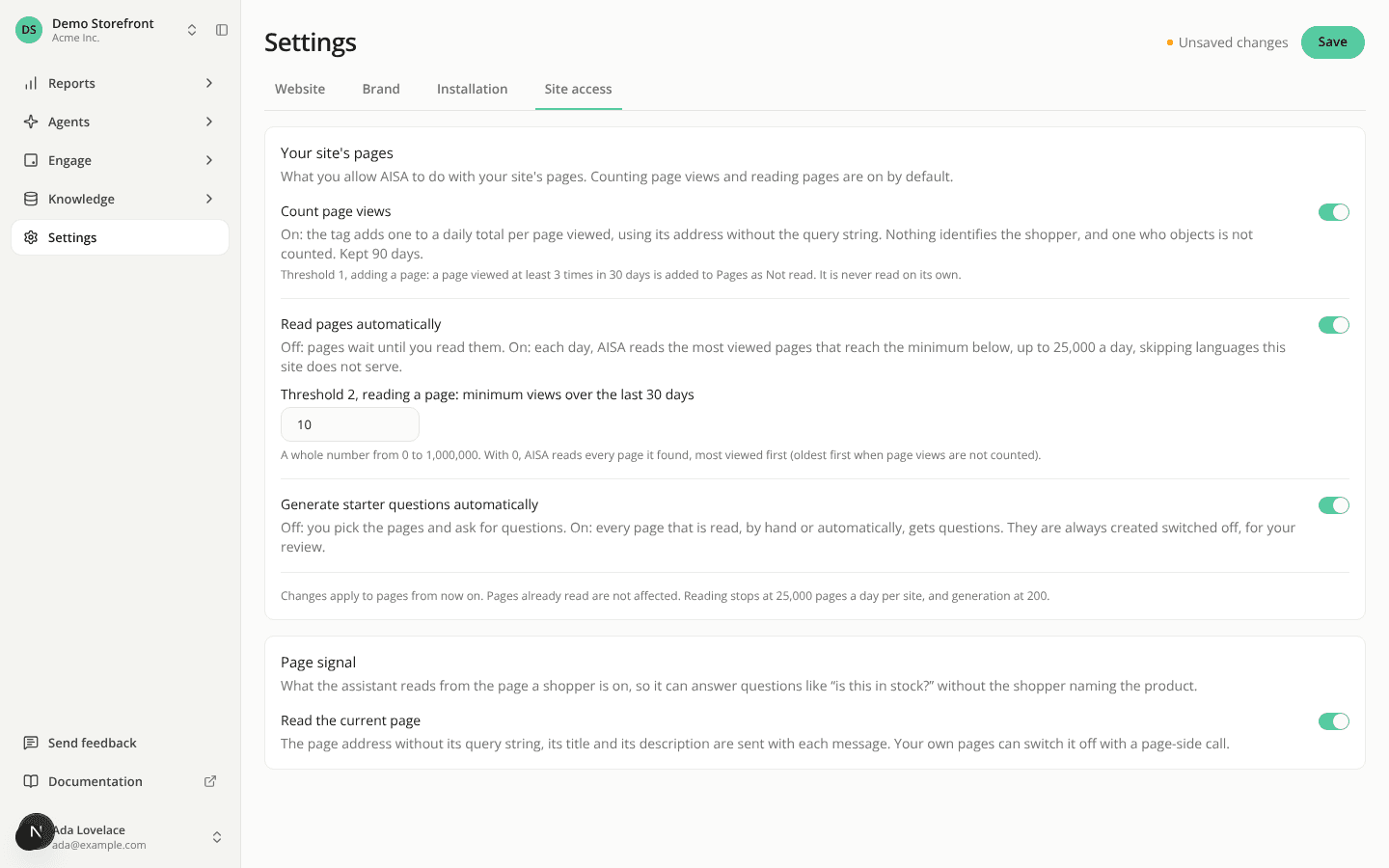
One Save per settings tab, and switches now wait for it
ChangedOne Save per tab, at the top right. Site settings (Website, Brand, Installation, Site access), organization General, and your account's My account and Notifications tabs each have a single Save next to the page title. It writes every change you made on the tab and confirms with one message. The Save buttons inside each card are gone.
Switches and lists now wait for Save. The Site access switches (counting page views, reading pages automatically, generating starter questions, page signal), the hosted page switch and the authorized domains list used to apply the moment you used them. Now nothing reaches your live site until you click Save. A domain you've added shows Not saved yet until then. The API and the MCP server are unchanged: they still apply a change at once.
You see what's unsaved, and you don't lose it by accident. Save is dimmed and says "No changes to save." until you change something. An Unsaved changes marker then sits beside it. Click another tab, follow a link, or press your browser's back button with changes pending, and a dialog lets you stay, discard and leave, or save and leave.
Tabs with nothing to save show no Save. Members, Roles, API keys, Billing, Admin activity and Security keep their own buttons, which act at once. A member whose role can't edit a tab sees no Save either.
A few layouts moved. Your language and time zone are now in the profile card on My account. Theme has its own card with three illustrated choices: a pick previews at once and is kept when you click Save. The sidebar's theme switch still applies at once. A site's default language is now a row of the Languages card. Site access holds two cards instead of four: Your site's pages and Page signal.
Resources