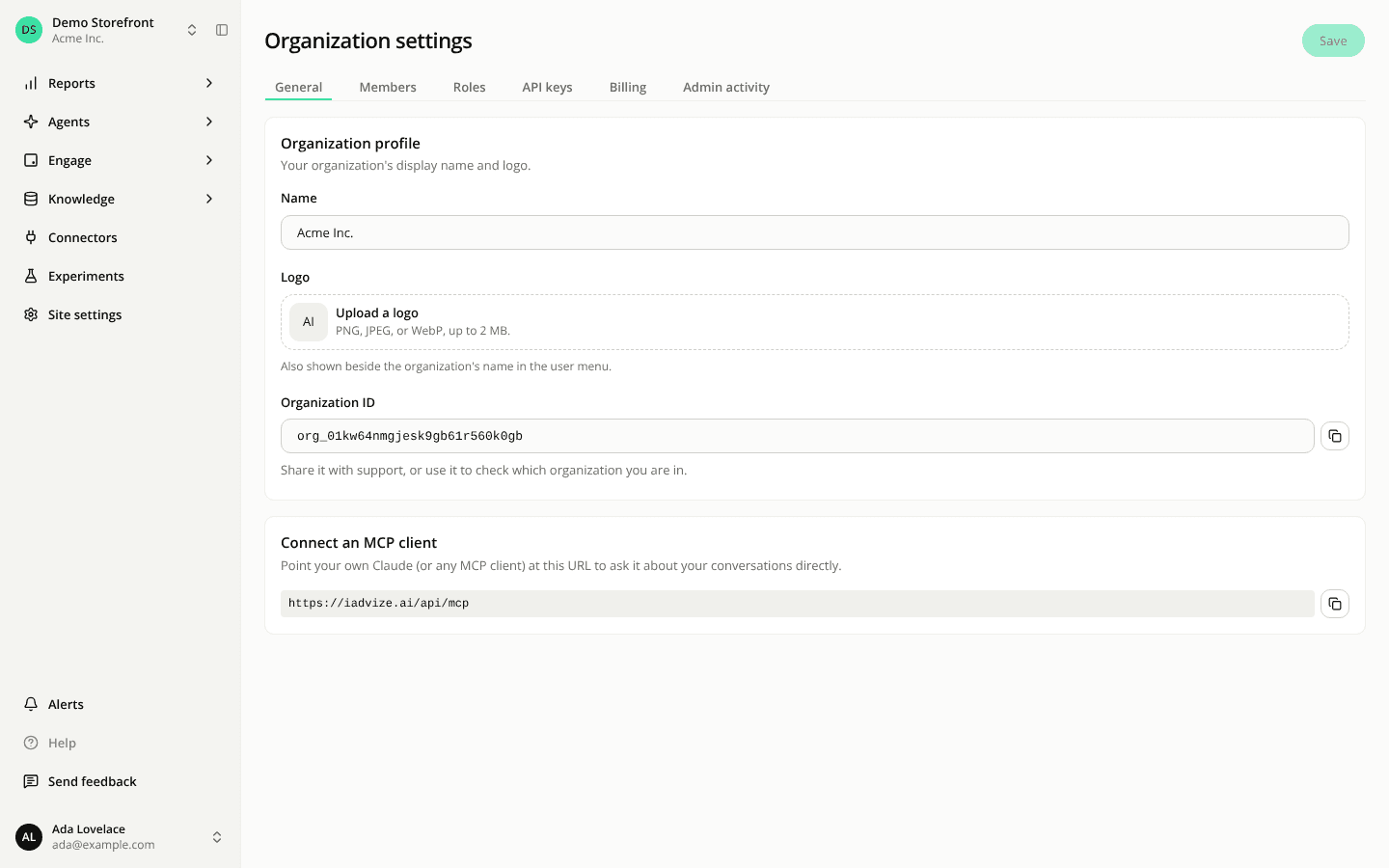
Find your organization ID in Organization settings
AddedThe Organization profile card on the General tab of Organization settings now ends with an Organization ID field and a copy button.
Use it to check which organization your session is on, or to give it to support when you ask for help. Click the copy button and a confirmation appears.
Everyone who can see the card sees the ID, including members who can't edit the profile. The field is read-only and is never saved with the name or logo.
This is the organization's iAdvize ID, not the one from our identity provider. It is shown in the dashboard only.
Resources