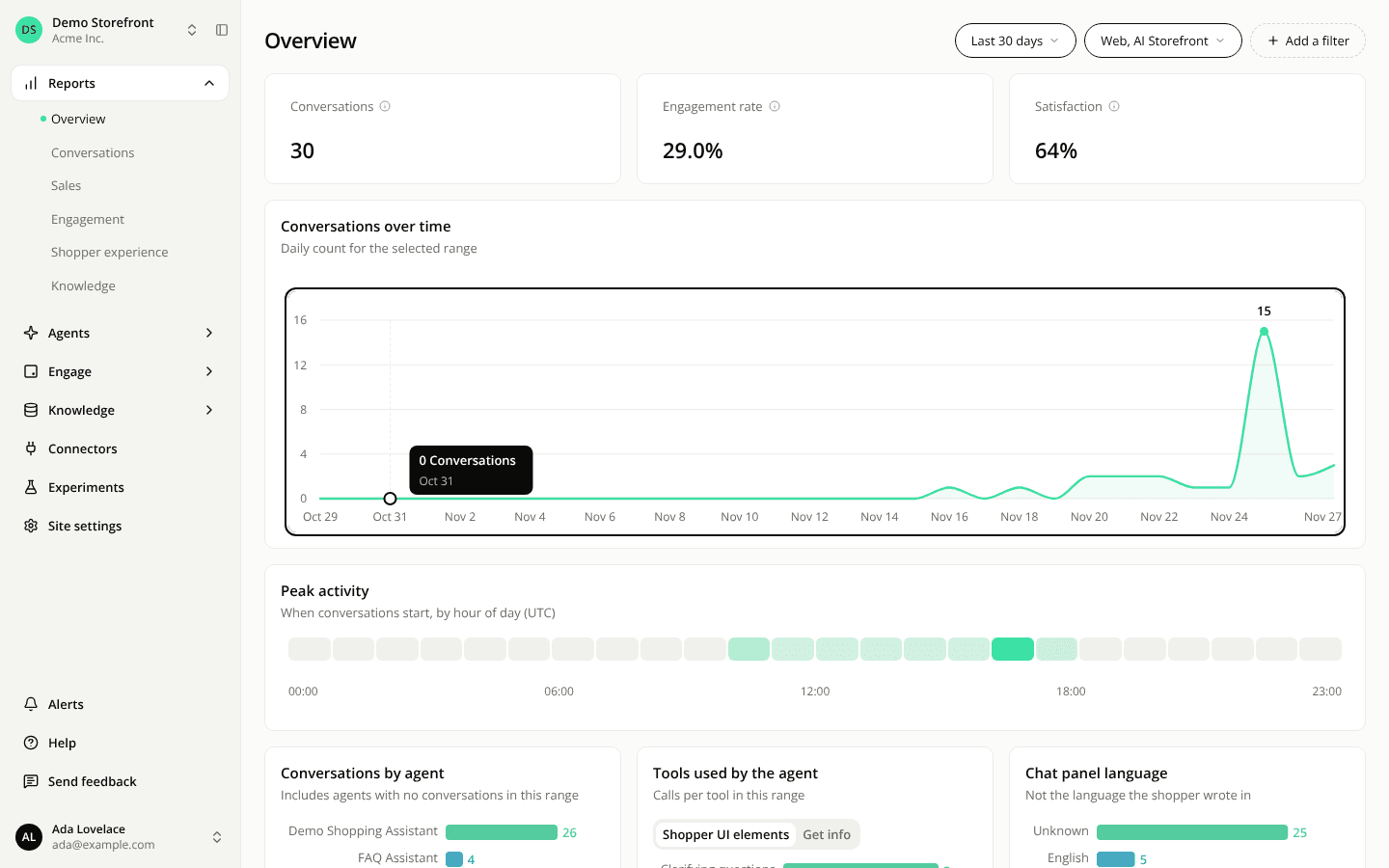
Report charts show where keyboard focus is
FixedOn the report pages, moving through a chart with the Tab key gave no visible sign of where you were. Tab also stopped several times on empty, invisible parts of each chart before moving on.
Each chart is now a single Tab stop, with the dashboard's focus ring drawn around it.
Tab panels show the same ring when Tab reaches them, for example under Tools used by the agent in Reports or in the Panel and Reduced panel tabs of Appearance. In Tools used by the agent, a tab that holds a chart hands its stop to the chart, so you Tab once, not twice.
Resources