An empty Shopify catalog now has its own alert
FixedA Shopify store served on its own domain could get a connector that answered every check yet returned no product. The agent then went live with nothing to recommend, and nothing told you.
A catalog empty alert. When a Shopify connector a live agent uses answers but its catalog search lists no product, even when asked for out-of-stock items too, a Catalog empty warning opens at once. A yellow banner shows on the site's Overview, Widgets and Agents pages, and your admins get an email. It is not a Connector not answering alert, since the connector did answer, and it does not keep your agent from going live.
Two ways to act on it. When your store's myshopify.com address lists products, the alert offers to use it: the connector's address changes and the connector is checked again, so the alert closes at once if products come back. For a store that is really empty or not launched yet, Ignore accepts the empty catalog. No alert opens while it is accepted, the connector's page shows since when with an Undo, and the first check that finds products ends it. The same actions are on the REST API and the MCP server, and check_connector now says when the catalog came back empty.
Onboarding falls back to your myshopify.com domain only when it has to. The connector is still built on your storefront's own domain. It moves to your store's permanent myshopify.com domain only when a catalog search on your own domain lists no product, your store's /meta.json names that domain, the domain carries the Shopify signature, and a search there lists at least one product.
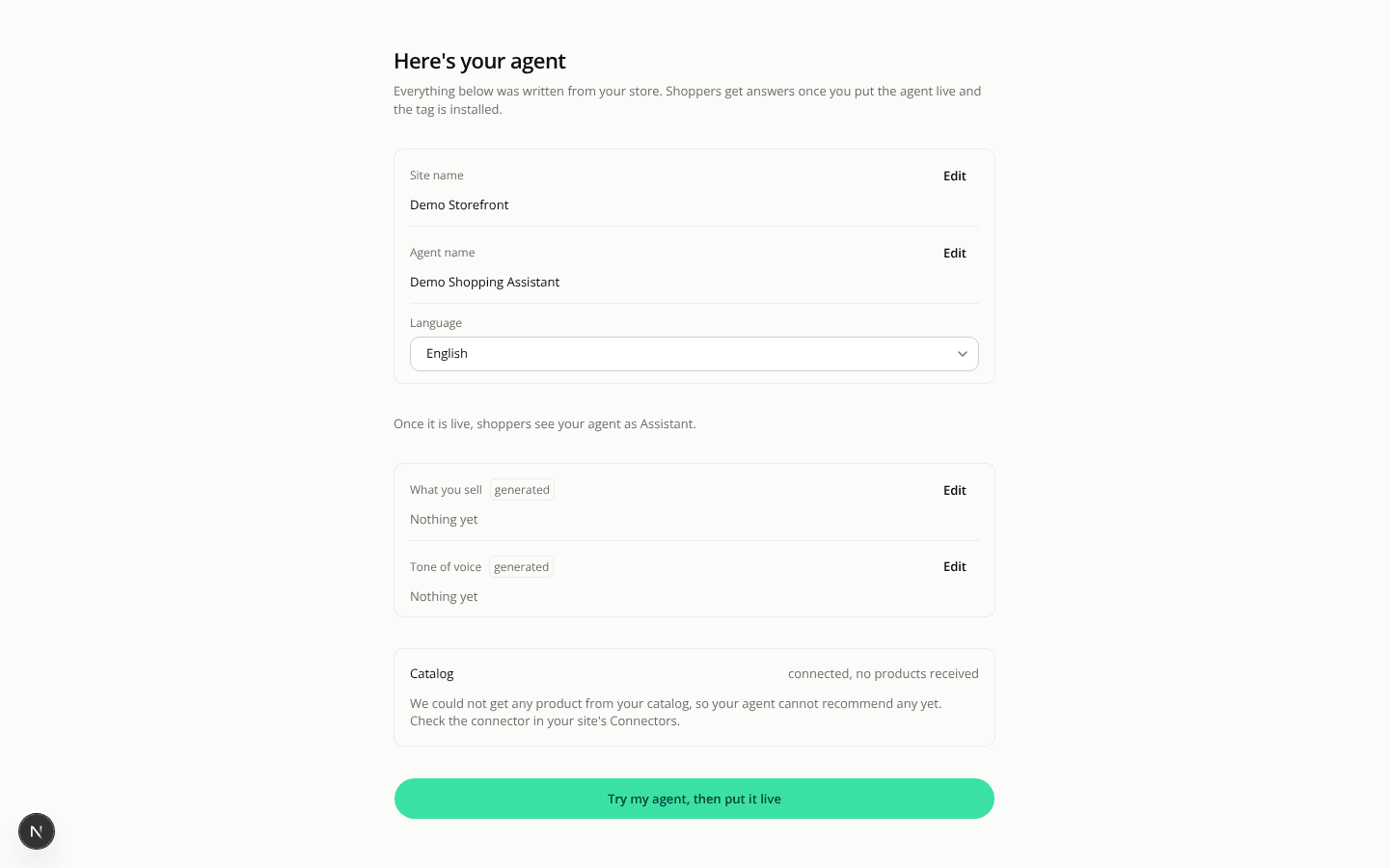
Onboarding checks the connector right away. Just after creating it, onboarding runs the connector check once. When the catalog came back empty, or the connector did not answer, the Catalog row on the review screen reads connected, no products received. Creating a site through the MCP server answers a catalogProducts field: true when the catalog listed a product, false when it answered with none.
Resources