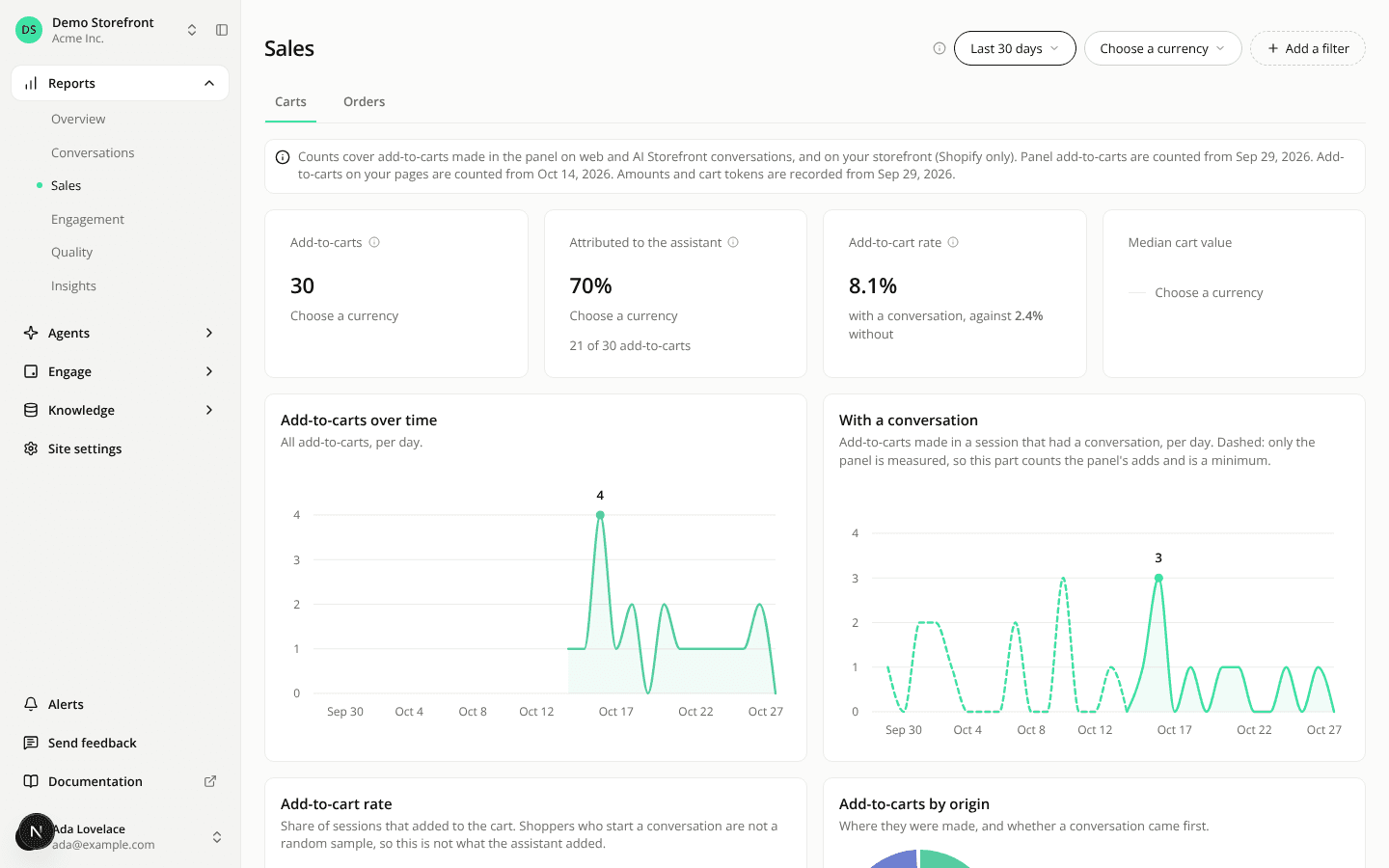
The Sales report is now two pages, Carts and Orders
ChangedThe Sales report is now two pages under one tab row. Sales in the sidebar opens Carts. Orders holds the revenue, the assistant's conversion rate and the average order value, at the address the Sales report already had, so existing links still work.
Carts counts add-to-carts and now adds:
- Add-to-cart rate: the share of sessions that added to the cart, for sessions with a conversation next to sessions where the assistant was shown and no conversation started. It counts sessions, not conversations.
- Median cart value: the median value of carts with a conversation, next to the carts without one, in the currency you pick. Only add-to-carts that carry a cart token and an amount are in a cart.
- Cards for add-to-carts by device, by unit price and by hour of the day. The hours are in your time zone.
- A Device filter, in Add a filter, that narrows every figure on the page to the device each add-to-cart recorded.
Amounts on Carts are written in whole units of the currency. The Currency filter on each page now lists the currencies of that page's own data.
These figures describe what happened around the assistant. They do not say what it caused: shoppers who start a conversation are not a random sample of your visitors.
The same figures are on the API and in the MCP server. The REST API has a new add-to-cart insights endpoint, and the add-to-cart counts take a device. In get_report, the new add_to_cart_insights report takes device, currency and timeZone, and add_to_cart takes device.
Resources