Create an agent in one click
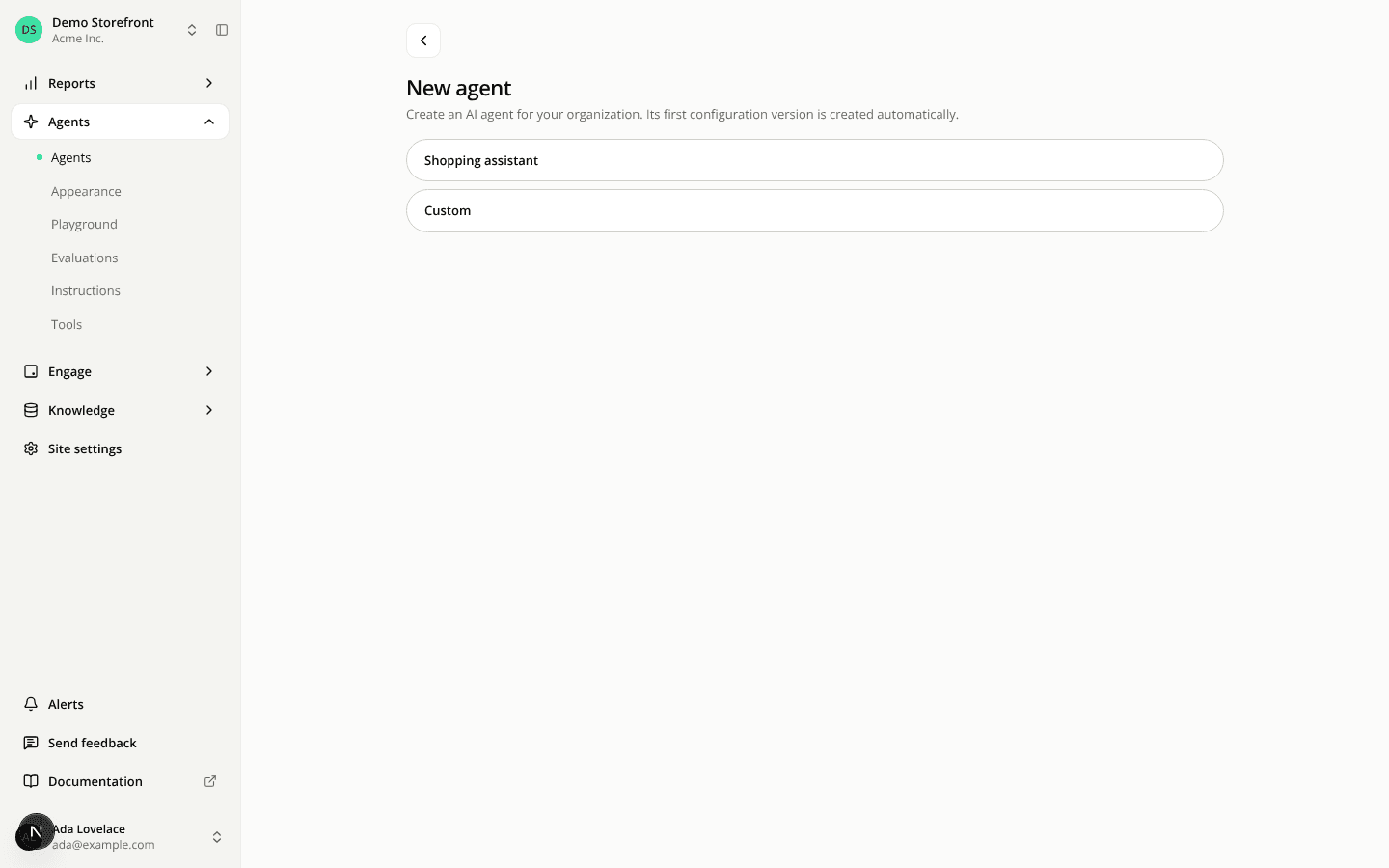
ChangedCreating an agent no longer starts with a form. The new-agent page shows one button per type, Shopping assistant and Custom. Click one and the agent is created at once, under a generated name: the type's label, numbered when it is already taken (Shopping assistant, then Shopping assistant 2).
The agent's editor then opens on the Identity tab, with the name already open for editing in the header. Type a new name to rename the agent, or keep the generated one. The name can be up to 200 characters, as before.
The type is still chosen at creation and can't be changed afterwards.