Count add-to-carts, in the assistant and on your own Shopify pages
AddedYou can now see how many products get added to the cart, and how many of those adds involve the assistant.
- In the assistant. Each time the assistant puts a product in a shopper's Shopify cart, AISA records one add per cart line. Failed cart writes record nothing.
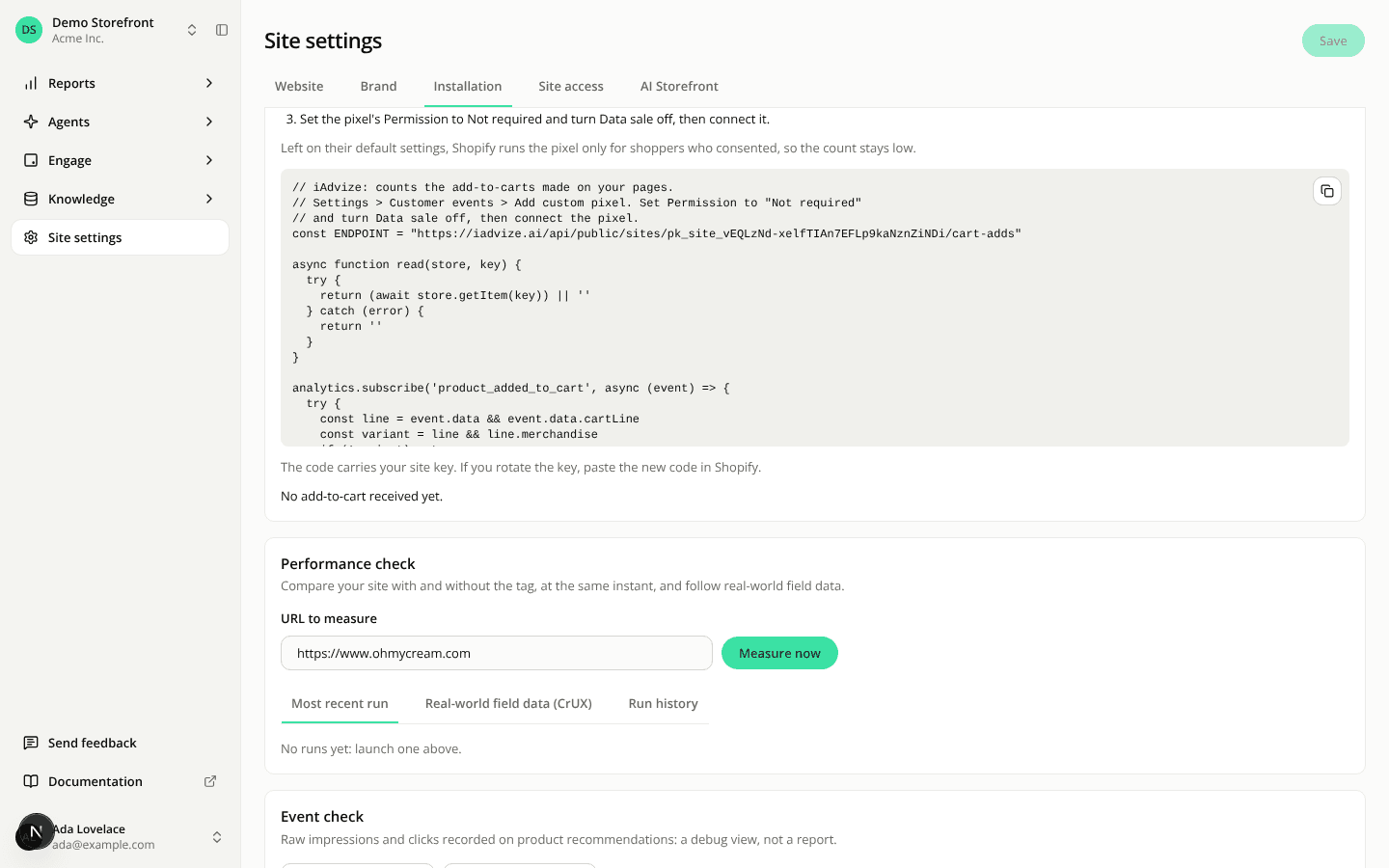
- On your own pages. On a site with a Shopify connector, the Installation tab has a new Shopify pixel for add-to-carts card. Paste its code as a custom pixel under Settings > Customer events in Shopify, set Permission to Not required and turn Data sale off. Without those two settings the pixel only fires for shoppers who consented, so the count stays low.
- Privacy. An add on your own pages carries only the product, the variant, the quantity, the time, the device type and the session key. An add the assistant makes is linked to its conversation. Neither records a price, an amount, a cart token or customer data. A shopper who objects to measurement is not counted: the pixel sends nothing, and the server drops an add marked as objected. The shopper data-usage notice now mentions these adds.
- A switch per site. Count add-to-carts on your pages in Site settings > Site access is on by default. It is also
storefrontCartCountingEnabledon the API and inset_site_automation. - Where to read the counts. The new
GET /api/v1/sites/{siteId}/add-to-cart-countsendpoint and theadd_to_cartreport ofget_reportreturn the total, the adds in a session that had a conversation, and the split between the panel and your pages, plus the same counts per UTC hour (period of two days or fewer) or per day. A count isnullwhen it could not have been recorded, never zero. These counts are not in a dashboard report yet.
Resources
- Count add-to-carts on your Shopify pages
- Add-to-cart counts in the MCP server
- Get a site's add-to-cart counts