Starters fits its mount, and you set its text sizes and spacing
ChangedThe Starters card now fits the page it sits in.
On every Starters widget, from today, with nothing to republish:
- The layout follows the mount, not the window. Under 480 px wide, the questions and the input field stack at the card's full width. From 480 px, the questions sit side by side and the field is at most 480 px wide. A card in a narrow column no longer runs past its edge.
- Long questions wrap onto two lines instead of being cut after a few words, then end with an ellipsis.
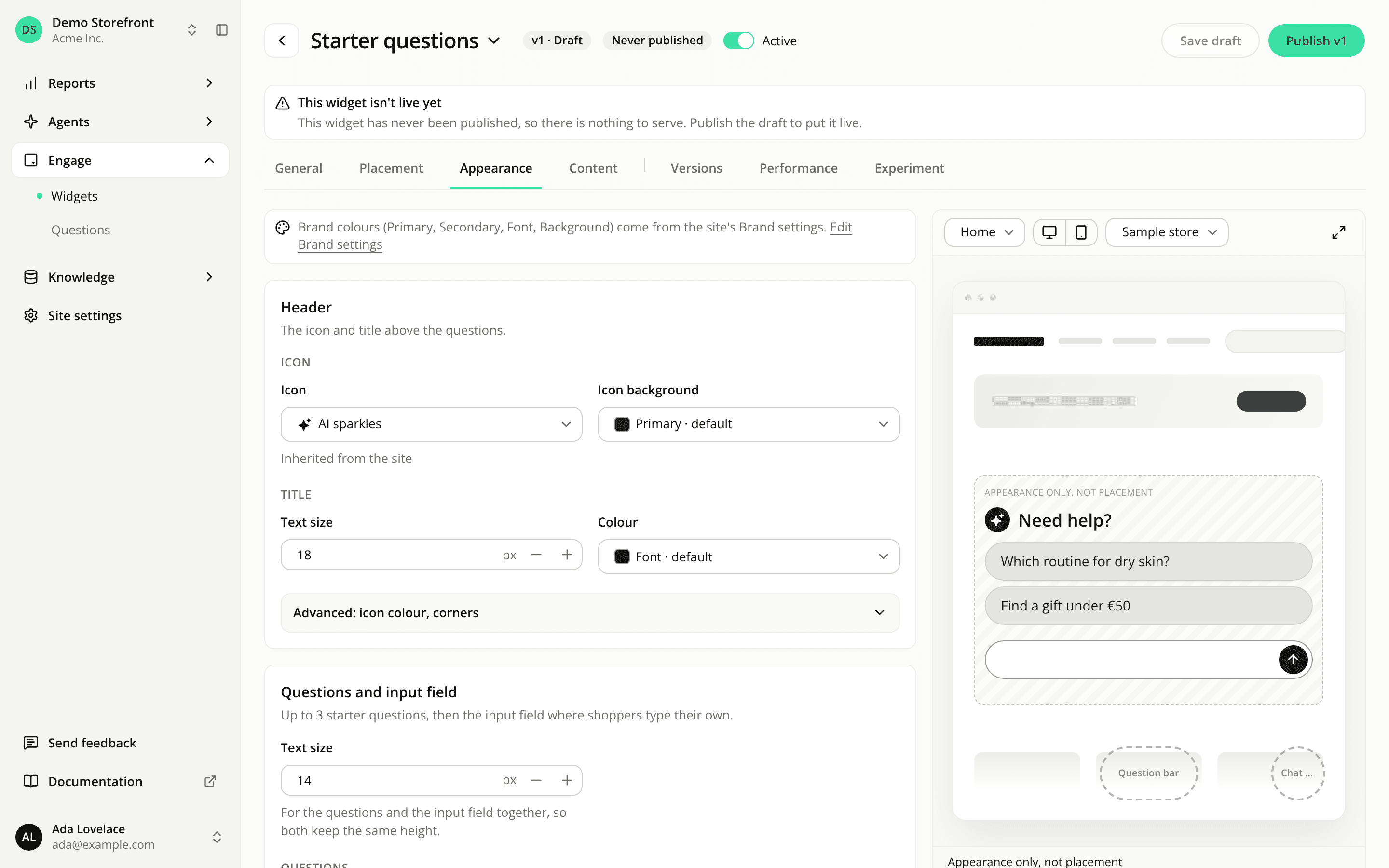
New settings on the Appearance tab, now two cards, Header and Questions and input field:
- a Text size for the title (18 px by default, up to 48 px), which the icon follows;
- one Text size for the questions and the input field together (14 px by default, up to 32 px), so both always keep the same height;
- under Advanced, the Padding (Automatic or custom) and the Space below the widget (16 px by default).
Questions and the input field are never shorter than 40 px, and on a phone the field's text is never under 16 px, so the page doesn't zoom when a shopper taps it.
Starters widgets already published keep their sizes, their shadow and their heights until you save them again. Opening one shows the values it renders with today. When you save it, its input field takes your single text size, its shadow goes and the field takes a visible border instead, and the icon follows the title. The preview shows all of it before you save.
The question bar and the chat bubble don't change, and keep their shadow setting.
Resources