Set the space above and beside a Starters widget
AddedThe Starters card used to let you set only the space below it. It now takes the space on its other three sides too.
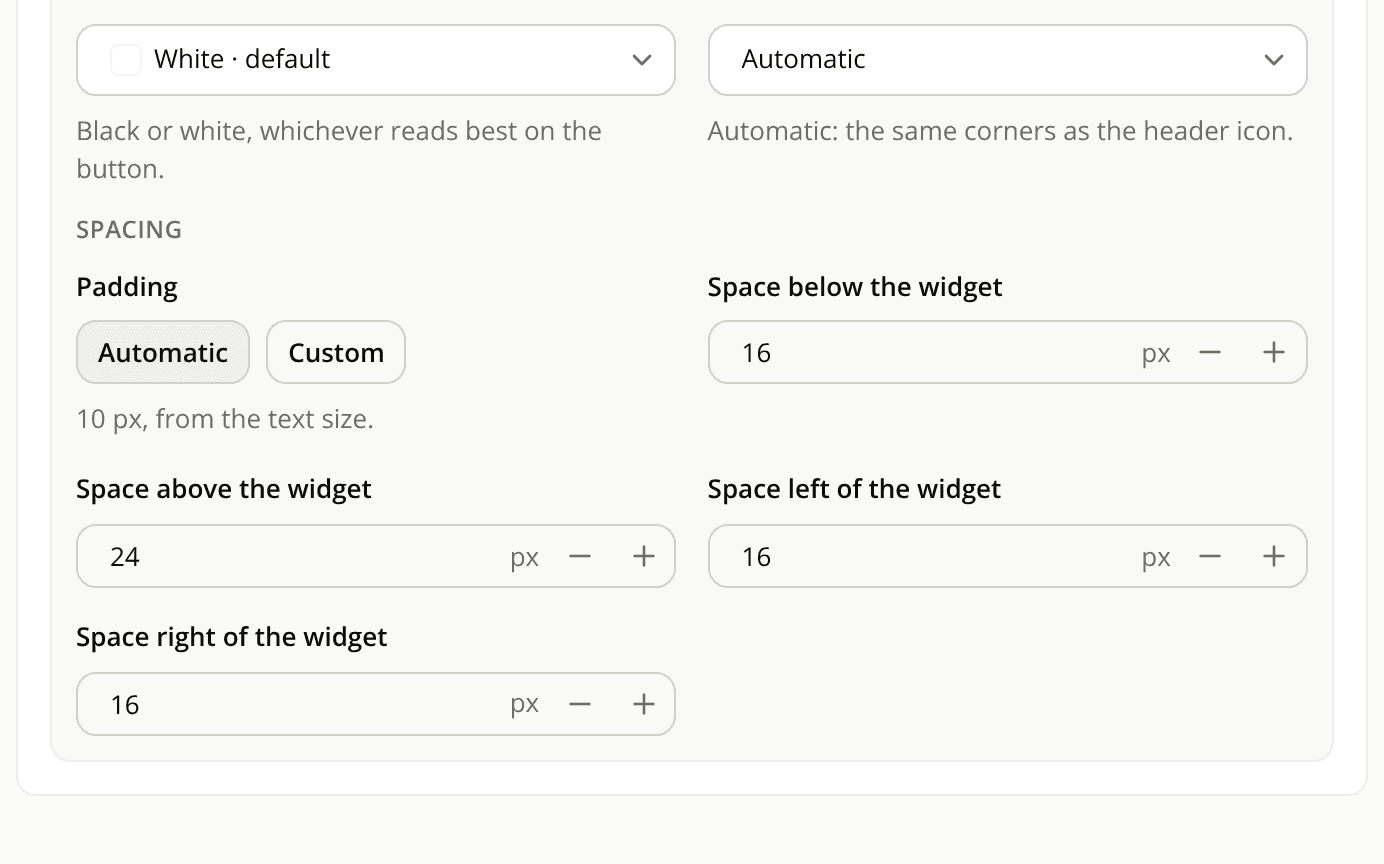
On the Appearance tab, in the Questions and input field card, Advanced › Spacing now holds four values:
- Space below the widget, 16 px by default, as before;
- Space above the widget, Space left of the widget and Space right of the widget, 0 px by default.
Each is a whole number of pixels, 0 or more, with no maximum. The editor's preview shows the result before you save.
The space sits inside the card, not around it as a margin. The card stays at the full width of its mount, and the space left and right comes out of that width.
Nothing moves in the card until you set a value. A Starters widget you already published gets 0 px above, left and right, which is what it had before. The one change you may notice is on the <iadvize-widget> element itself, described below.
If you place Starters with the <iadvize-widget> element, that element now lays out as a block by default, so the space above and below pushes your content away as you'd expect. A display you set on the element yourself, display: none included, and the hidden attribute still apply. See Style engagement widgets with CSS.
Resources