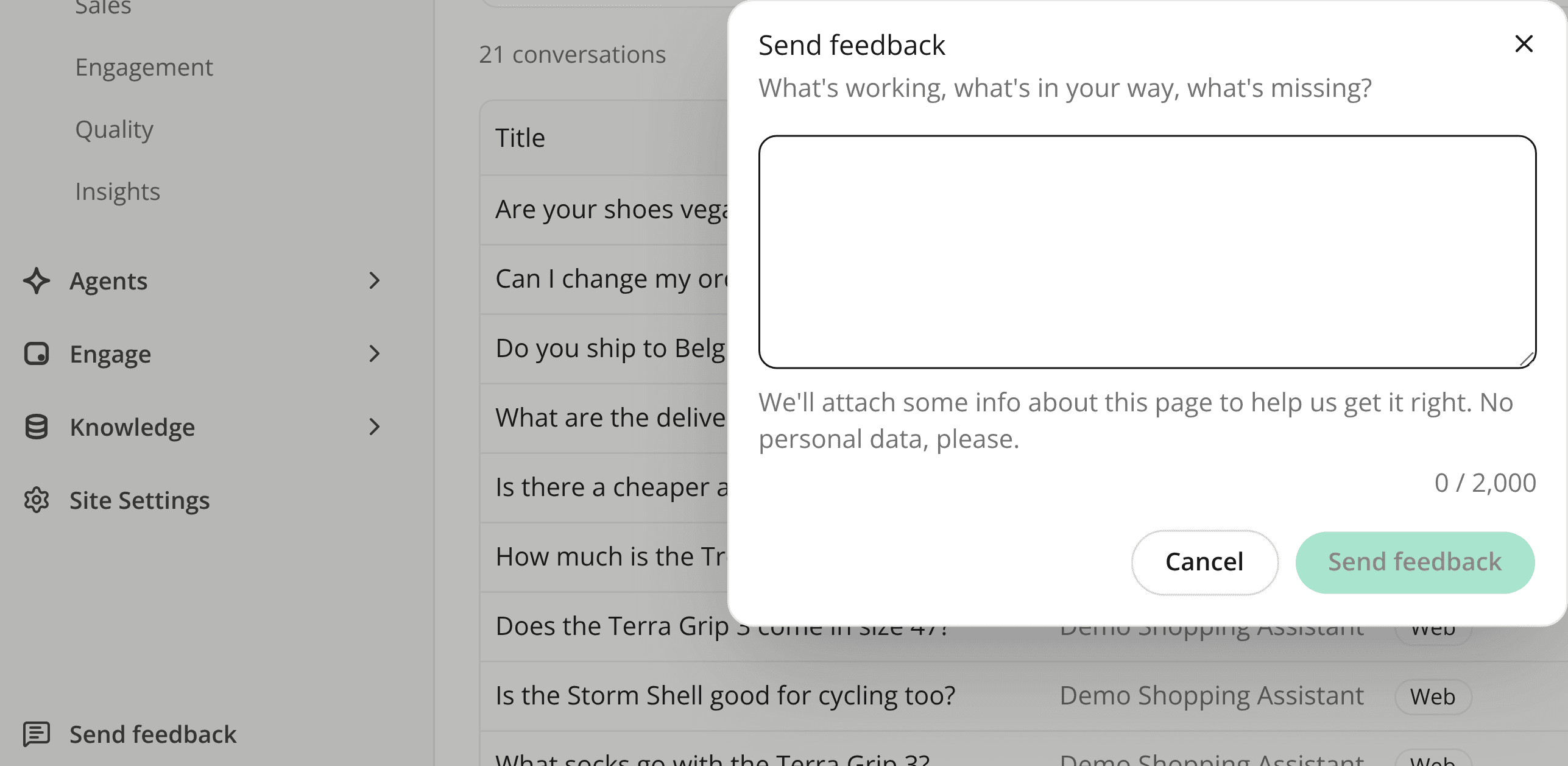
Send feedback to iAdvize from the dashboard
AddedThe sidebar footer has a new Send feedback entry, above Documentation. It opens a short dialog with one text field (up to 2,000 characters). Every member can use it, whatever their role.
The email we receive carries the page you were on, the site, agent or conversation it concerns, your name, email and role, and some technical context (language, time zone, browser, window size, release). That saves you describing where you were. Please leave personal data out of your message, and anything that identifies a shopper.
If the send fails, your text stays in the dialog and you can try again. A reply from the team goes to your email address. Nothing is stored in the product, and an unsent draft is lost if you reload the page.
Resources