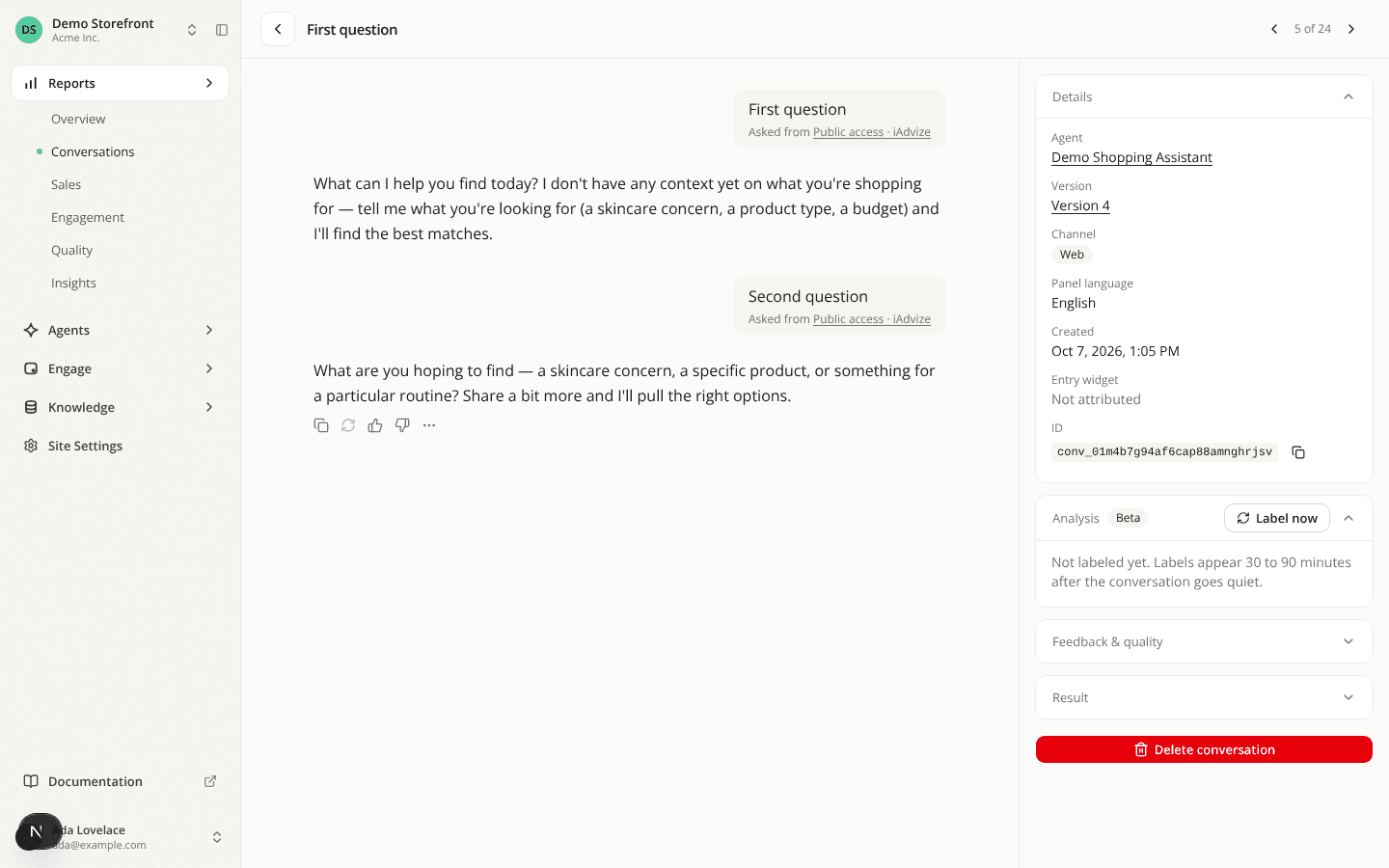
Step through conversations from the Overview report
FixedPrevious and Next only worked from the Conversations table. Open a conversation from the Recent conversations list on the Overview report and the header had no arrows, and the back arrow sent you to the Conversations table rather than the report you came from.
Now a conversation opened from that list gets the same Previous and Next arrows, the count showing where it sits in the list, and the ← / → shortcut. They step through the Overview list's own rows: same date range, same filters, same sort, carrying on from one page of the list to the next. The Resolution and Issues filters and the Needs review tab belong to the Conversations table, so they don't narrow this sweep, just as they don't narrow the Overview's list.
The back arrow returns you to the Overview, on the page of the list that holds the conversation you were reading, scrolled down to the list. Its tooltip reads Overview.
Nothing changes for a conversation opened from the Conversations table. One opened from the Quality report, from Settings → Diagnostics, or from a link to the conversation alone still shows no arrows.
Resources