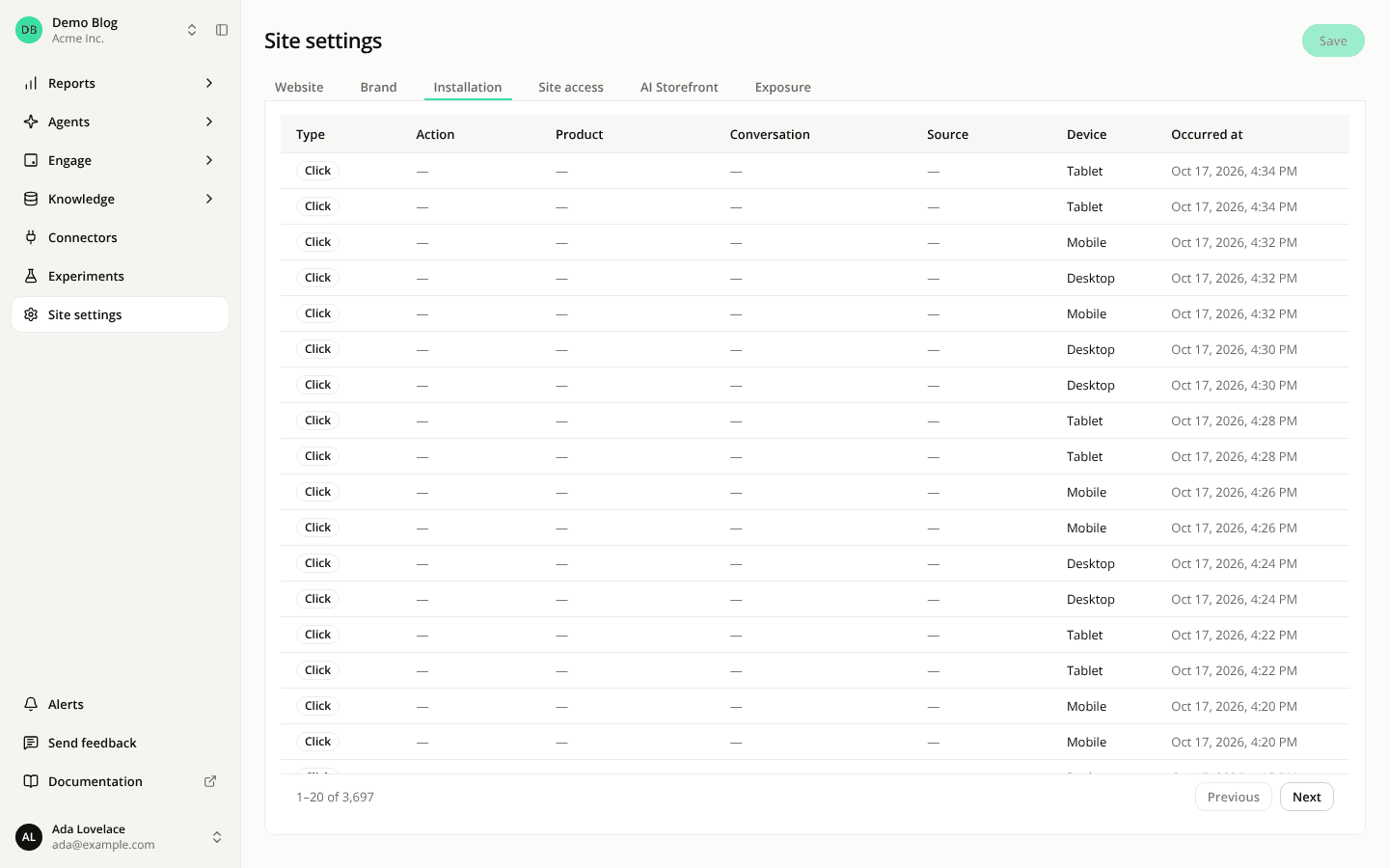
Event check pages with Previous and Next, and no longer slows down the Installation tab
ChangedThe Event check card no longer holds up the Installation tab. On a site with a lot of recorded impressions and clicks, the card could slow down the whole tab. The rest of the tab now shows without waiting for the events, and the table fills in when they are ready.
Previous and Next replace the page numbers. A range under the table tells you where you are, for example 1–20 of 312. The total stops at 10,000: beyond it the range reads 1–20 of more than 10,000. There is no jump to the last page anymore.
Your type and source filters stay in the address. A link you saved with a page number opens the first page, with its filters kept. See Event check.
Resources