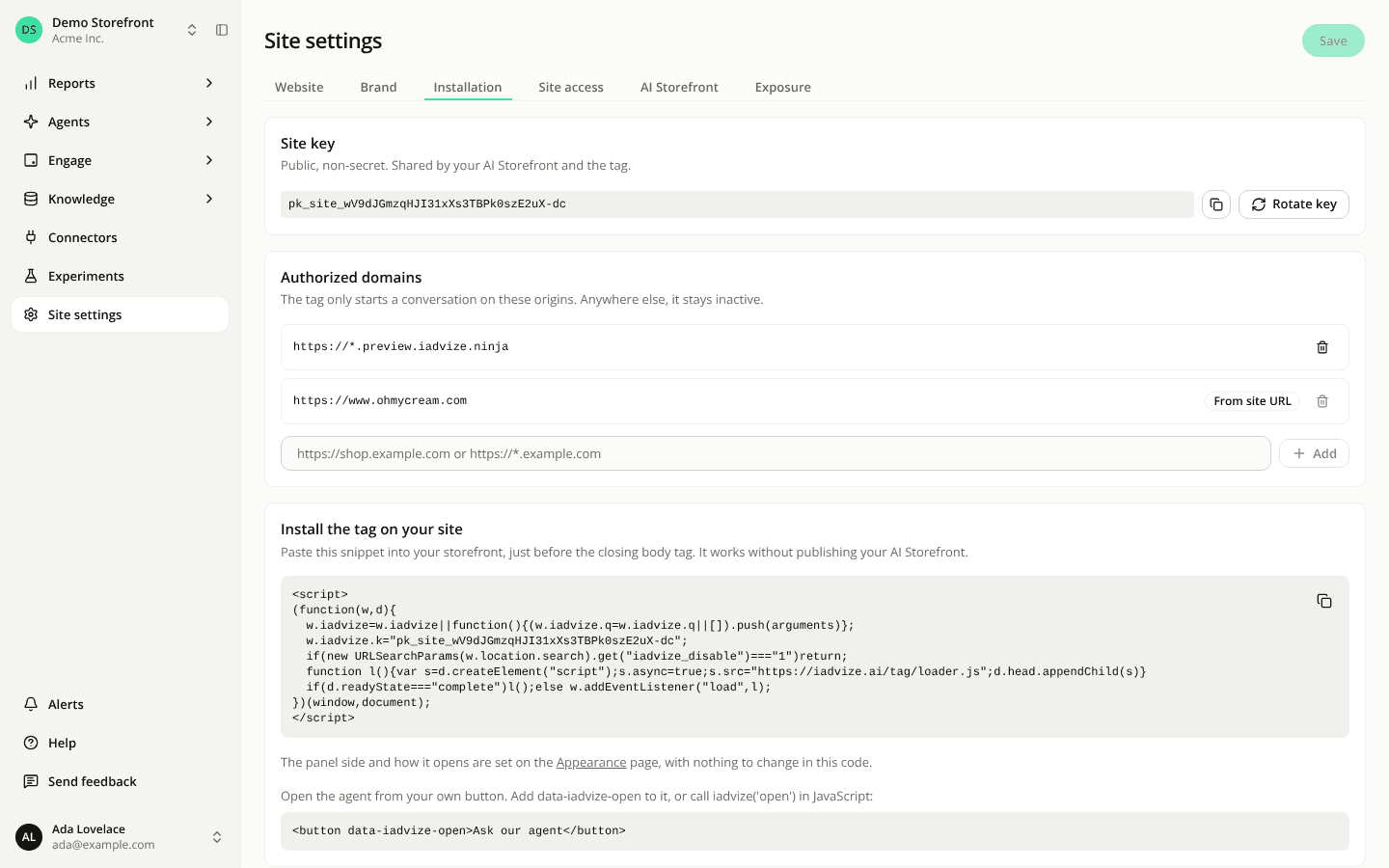
Wildcard authorized domains now save in the browser
FixedIn Site settings → Installation, the Authorized domains card could not save a wildcard subdomain pattern such as https://*.example.com from a browser. The editor accepted it, then rewrote the * and the server refused it when you clicked Save.
The pattern now stays as you typed it and saves. Exact origins such as https://shop.example.com work as before, and a pattern still never matches the bare domain, so add https://example.com too if you need it.
Resources