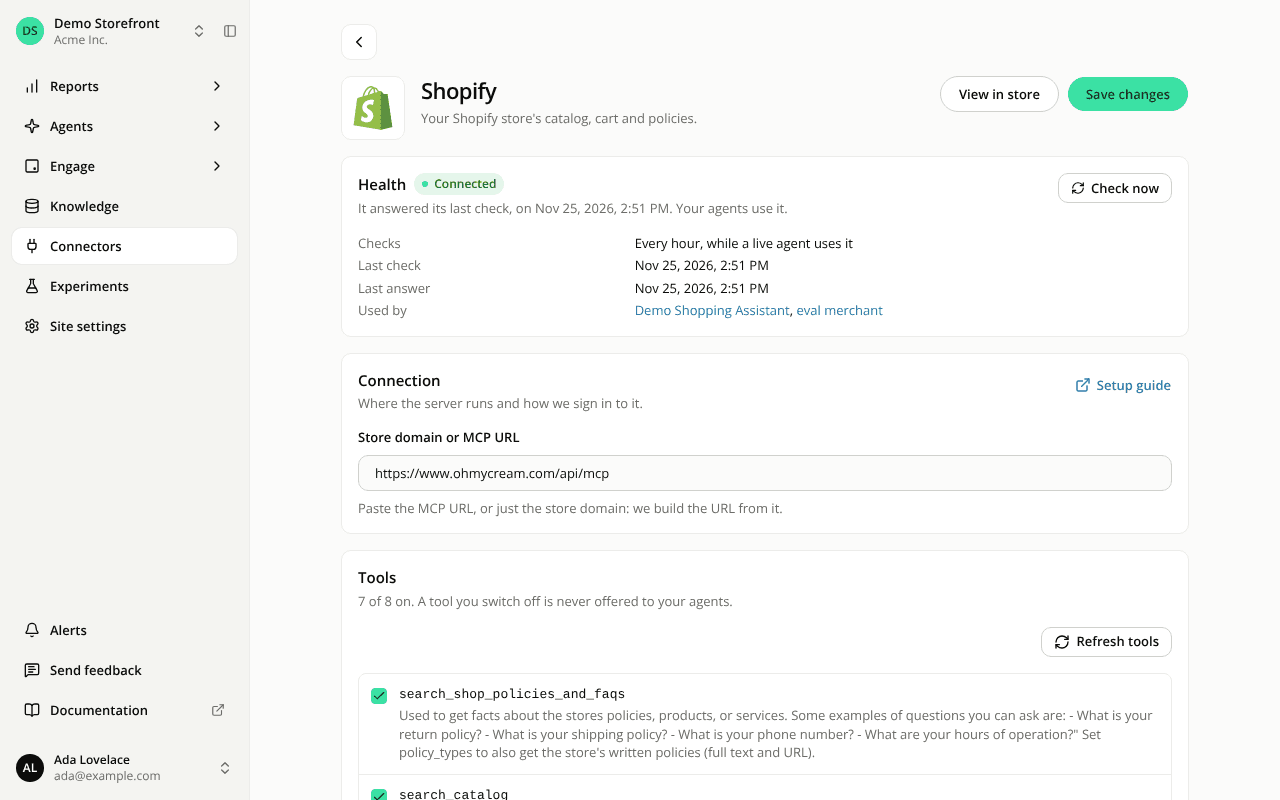
A connector's page says whether it works and what to do
ChangedOn a connector's page, the Health card now opens with the connector's status, the same chip as on My connectors, and one sentence that says what it means. When the connector does not answer, the sentence says since when and what to check: the address and the authentication. The status no longer shows in the page header.
The card then lists how the connector is checked (every hour while a live agent uses it, or on request only), the last check, the last answer, and the agents that use it. Each agent name now opens that agent.
Check now tests the saved connector. While you have unsaved changes on the page, it is held and tells you to save first.
Save changes now checks the connector when you change its address, its token or its request headers. The message after the save tells you whether it answered, or whether its catalog lists no product. A save through the REST API or the MCP server does not run this check.
The empty catalog notice, with its two actions (use the store's myshopify.com address, or Ignore), and the Setup guide link now sit in the Connection card, next to the address they are about.
Resources