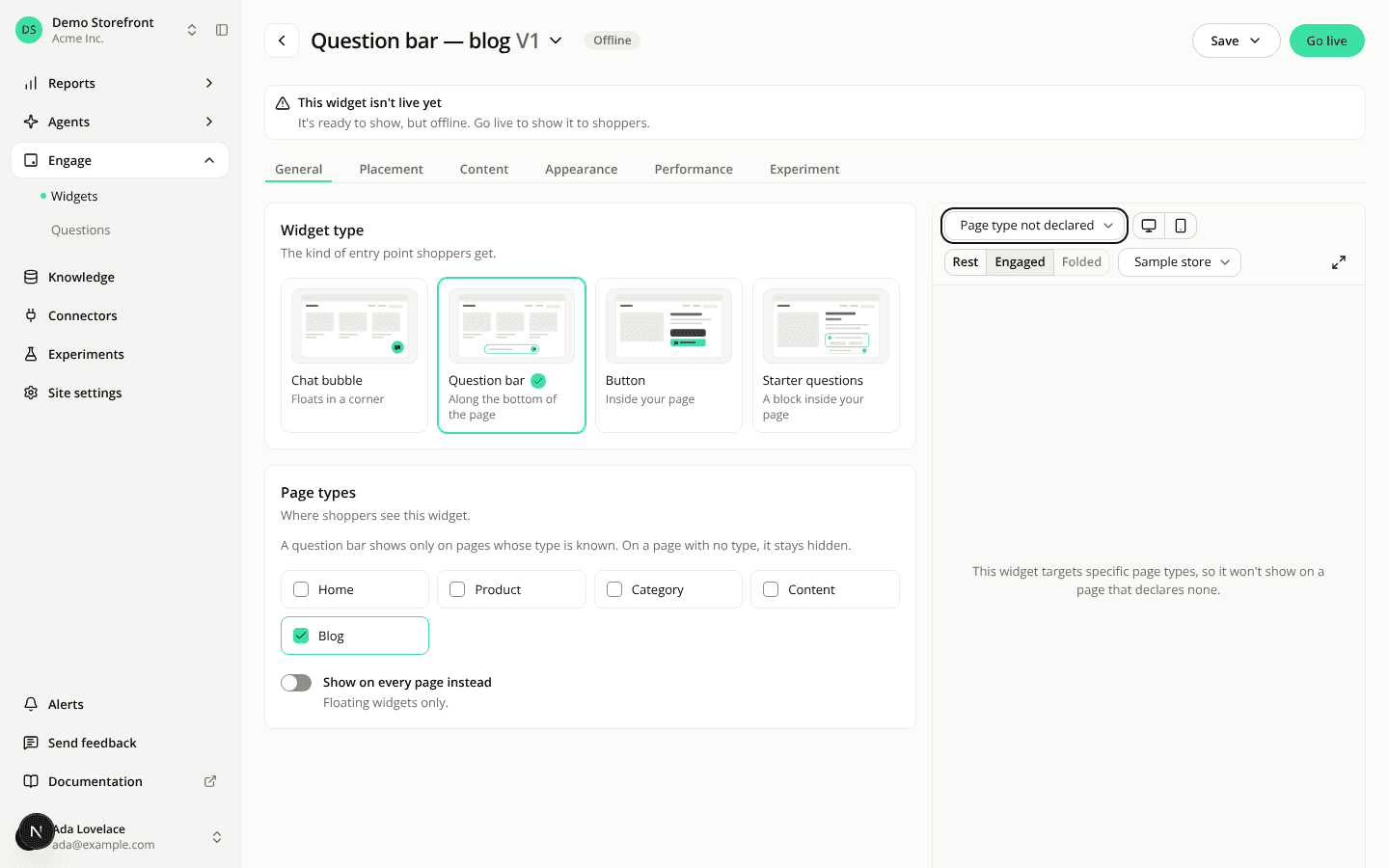
A question bar no longer shows on pages whose type is unknown
ChangedA question bar targeted on some page types now shows only on pages whose type is known. Until now, a page with no type let every floating widget through, whatever page types it targeted. A question bar set for home, category and content pages could appear on a product page the agent could not classify, and cover its add to cart button on mobile.
A page has a type when your storefront declares one with iadvize('set', { customData }), or when your site's Pages hold one for its address. On a page with neither, a question bar now stays hidden. A shopper who objected to measurement sends nothing, so no lookup is made for them and only a declared type counts: they see a question bar targeted on page types only where your storefront declares the type. Nothing changes for a question bar set to Show on every page instead: it still shows everywhere.
The chat bubble keeps its rule: it still shows on a page with no type.
In the editor, the Page types card of a question bar now says the bar shows only on pages whose type is known, and the preview's Page type not declared page shows no bar unless it is set to show on every page.
If a question bar disappeared from pages where you want it, declare the page type on those pages, check their Type column in Pages, or turn on Show on every page instead.
Resources