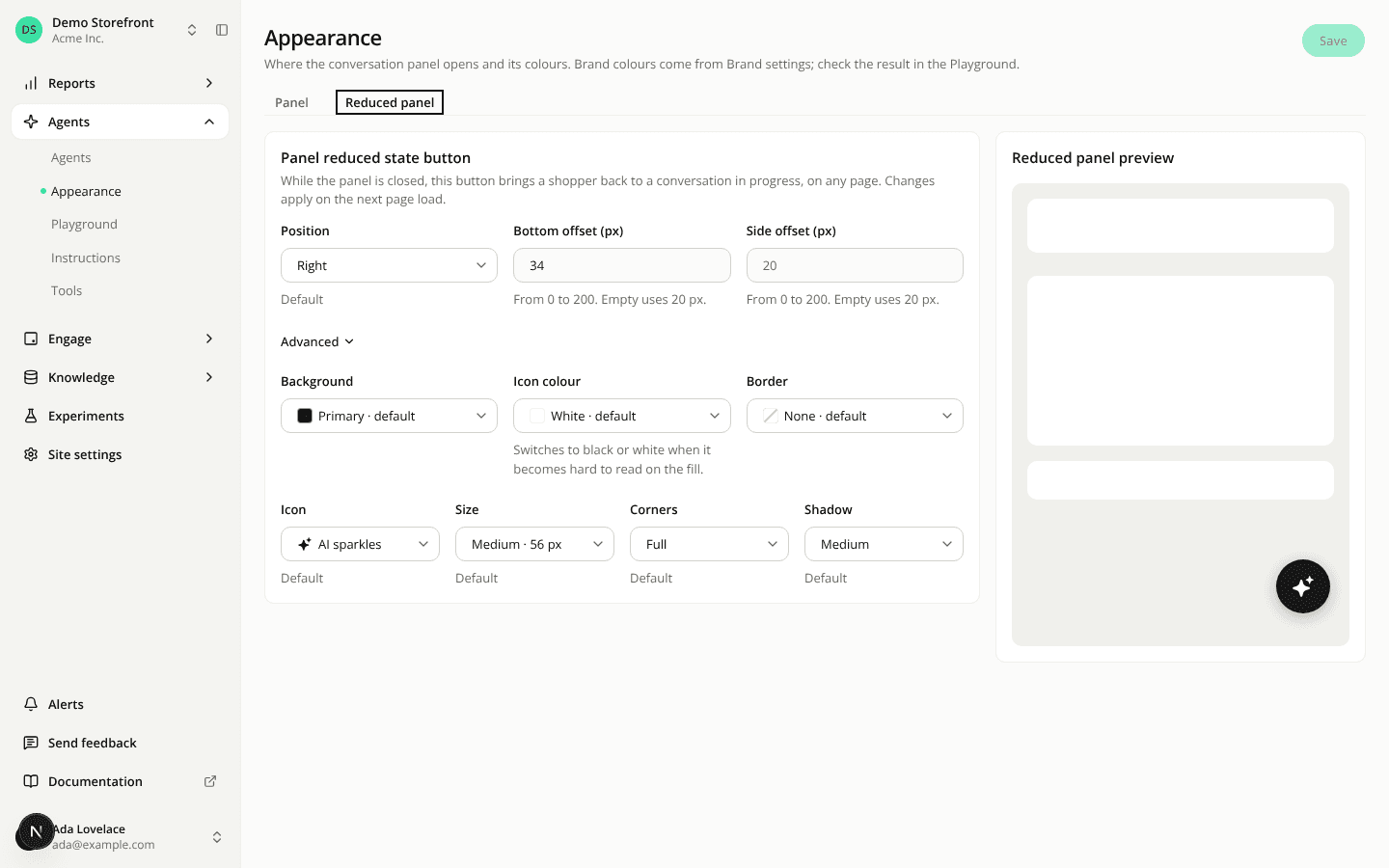
Appearance is split into Panel and Reduced panel tabs
ChangedAgents › Appearance now has two tabs. Panel holds the position and behaviour card and the colour cards, with the panel preview. Reduced panel holds the Panel reduced state button card, with the button preview.
Each tab has its own Save, and it saves only that tab. Edits you made on the other tab stay unsaved until you save it. If you leave the page with unsaved changes in either tab, Save and leave saves both. If a field is invalid, nothing is written and the tab with the error comes into view.
Resources