Switch the agent off on a site without removing the tag
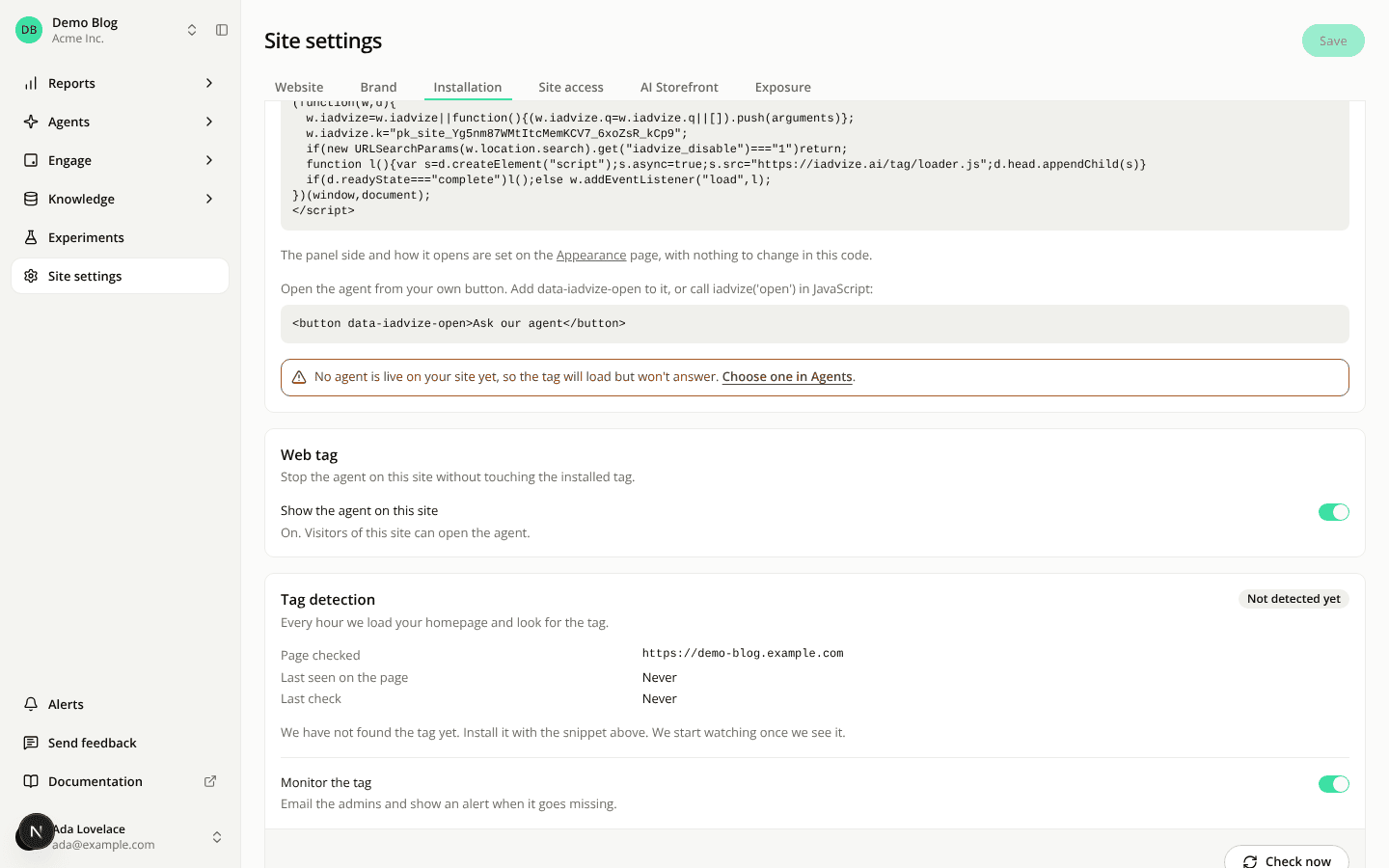
AddedYou can now stop the agent on your storefront without asking anyone to remove the tag. The Web tag card on Site settings → Installation has one switch, Show the agent on this site, on by default.
Switch it off and save, and no visitor sees the agent any more: the tag shows no launcher, no engagement widget and no Panel reduced state button. Conversations in progress stop being answered too, and a shopper who writes again reads "The agent is not available right now."
The tag and the site key stay exactly as they are, so switching it back on brings the agent back with nothing to reinstall. Your AI Storefront is not affected and keeps following its own publish switch.
Switching off asks you to confirm first. It needs the Sites: Edit permission, and each change shows in Admin activity as Web tag switched. The same switch is webTagEnabled on the REST API and set_site_web_tag on the MCP server.
Resources