Put the Panel reduced state button under your cart drawer
AddedThe button no longer has to cover your cart drawer. The Panel reduced state button sits above your page, so a drawer or menu your theme opens over the page could end up under it. You can now give the button a lower page layer (its CSS z-index) so it slides under that element instead.
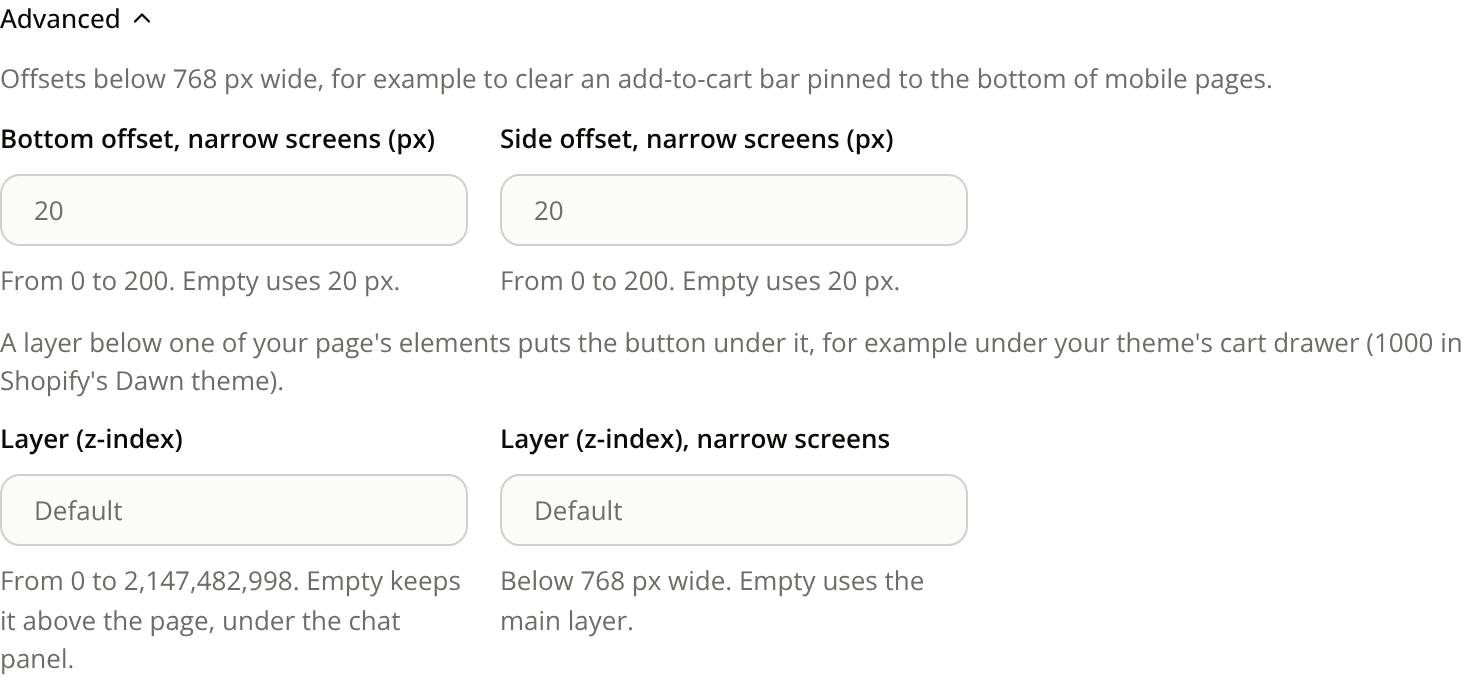
Where to set it. In Site settings → Brand, the Panel reduced state button card's Advanced part has two new fields: Layer (z-index), a whole number from 0 to 2147482998, and Layer (z-index), narrow screens, which replaces it below 768 px wide. Enter a number below your drawer's layer: Shopify's Dawn theme uses 1000 for its cart drawer, so 999 works there. The docs show how to read your own theme's value with the browser's inspector.
Nothing changes until you set it. Left empty, the button keeps its current layer, above your page and under the chat panel. No value can put it over the chat panel. A change is recorded in Admin activity as Branding changed and reaches your storefront on the next page load. The same settings are on the REST API (resumeButton.zIndex and resumeButton.zIndexNarrow on the site) and on the MCP server's set_site_resume_button tool.
Resources