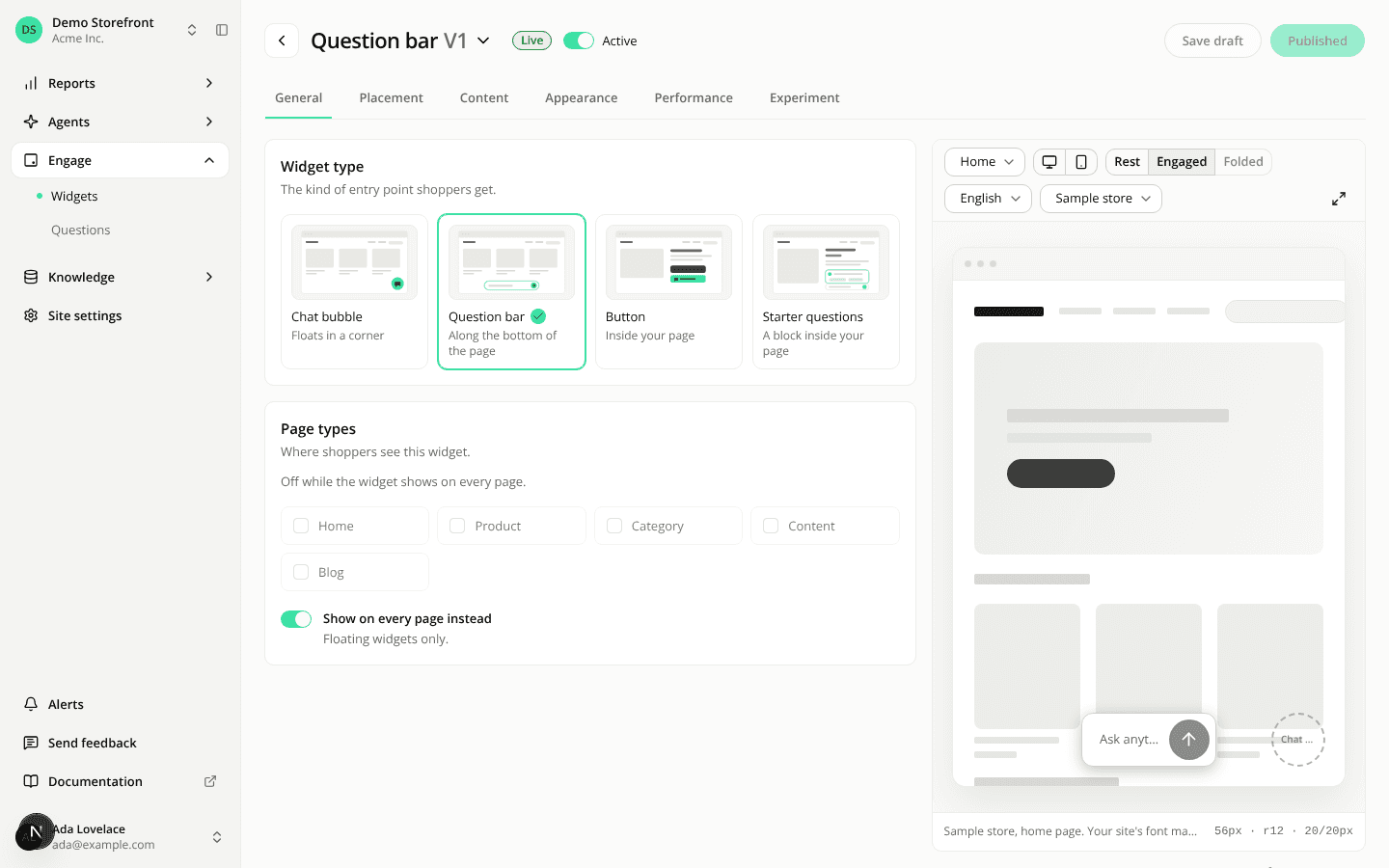
Widget versions move to their own page, and the editor title shows the open version
ChangedThe title of the widget editor and the agent editor now shows the version you are editing in grey, after the name, for example Question bar V6. Renaming changes only the name.
The version menu on the title marks two versions: the one answering shoppers (Live) and the one on screen (On screen). The status dot is gone. The widget editor header no longer shows a version badge.
The Versions tab of the widget editor is gone. Its content is now the page Versions of this widget, opened from All versions in the title menu. It lists the versions and keeps Restore. Restoring a version puts it in the draft and takes you back to the editor, where you publish it. Publishing stays in the editor.
Back to the editor on that page reopens the tab you came from.