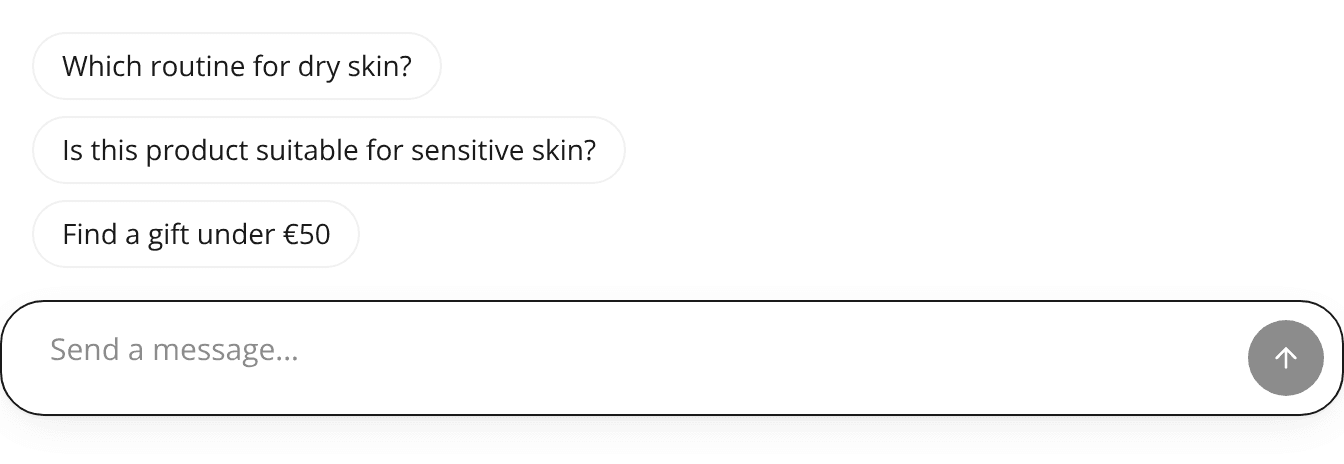
The chat panel's message box stays on one row and its controls are easier to tap
ChangedIn the chat panel, both in the embedded widget and on the hosted page, the message box is one row at rest: the attachment button (when attachments are enabled), the field and the send button sit side by side.
When the shopper's text wraps to a second line, the buttons move below the field. They return to the row once the field is empty. While an attachment is in the box, the buttons stay below the field.
Other changes in the chat panel:
- Easier to tap. The close, menu and send buttons are 40 px, with a 44 px tap area around each one.
- AI disclosure. The AI disclosure line is 13 px.
- Text size. Assistant messages are 14 px on desktop. On phones they stay at 16 px.