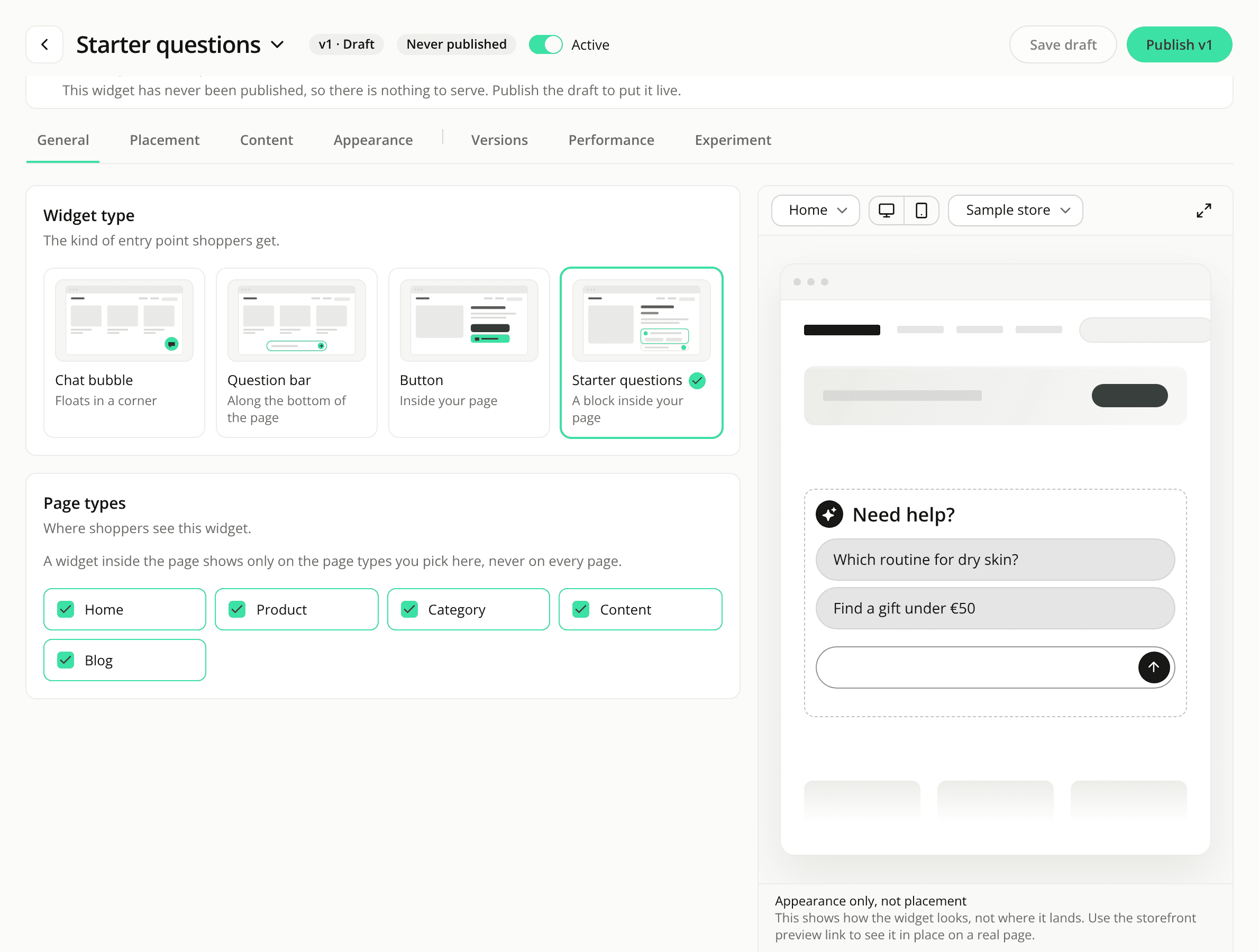
A cleaner preview for Button and Starters widgets
FixedWhen you edit a Button or Starters widget, the Sample store preview is easier to read.
A plain white band. The widget sits in a dashed box on a white ground. The striped background is gone: it made a white field or a light border hard to see. The box no longer carries its own "Appearance only, not placement" label, since the notice under the scene already says it. That notice now reads "This shows how the widget looks", not "the button", because it also covers Starters.
No other widgets drawn. The preview of an inline widget no longer draws your other live widgets as outlines. It shows how the widget looks, not where it lands, so there is nothing for it to collide with. Floating widgets still show the outlines and the warning as before.
Resources