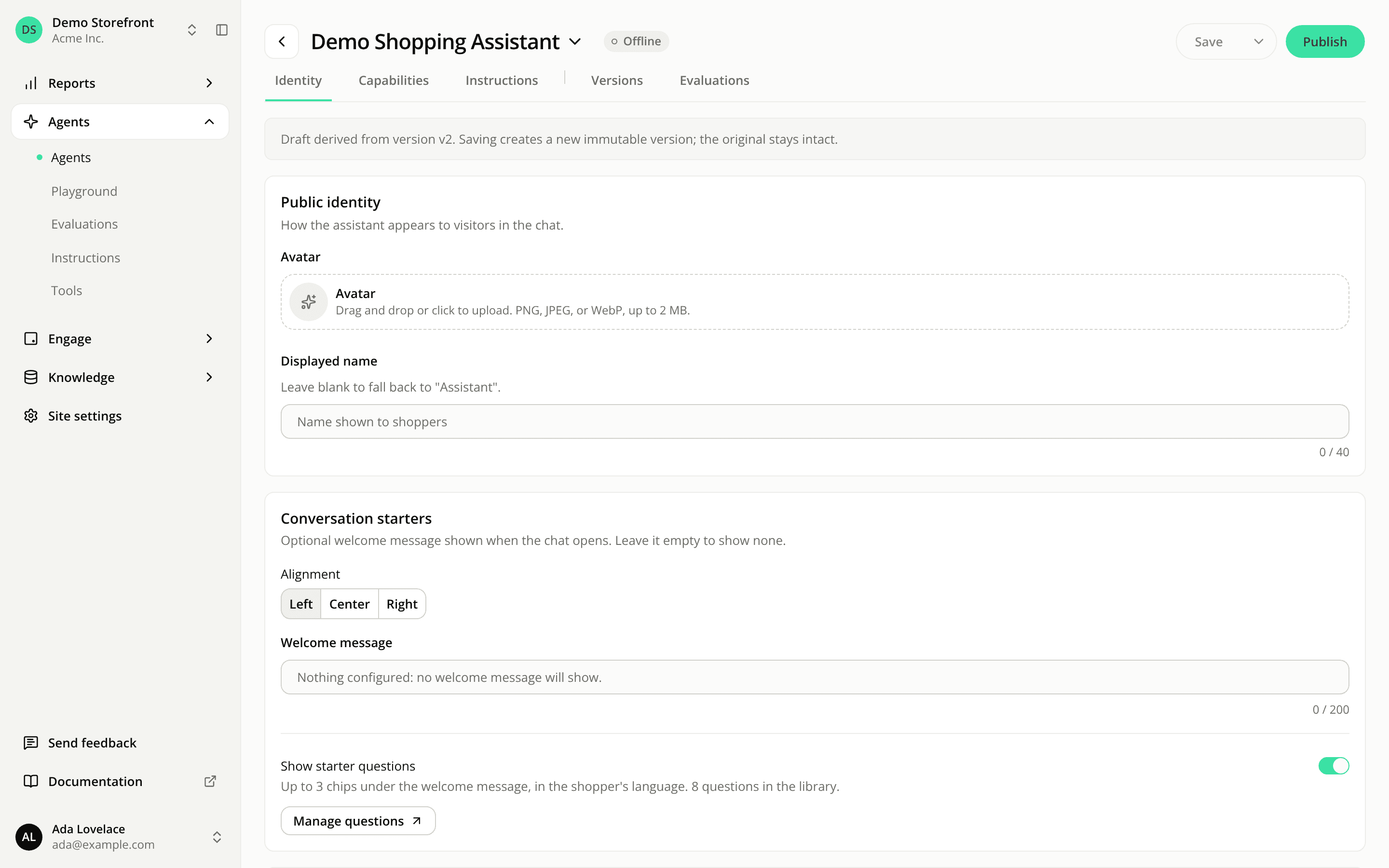
Publish an agent version right after saving it
FixedOn an agent's Identity, Capabilities and Instructions tabs, Publish was greyed out as soon as you clicked Save. The only way to publish from the editor was to click Publish while you still had unsaved changes, then click again on Confirm publish?, which saved and published in one go. Saving first and then publishing, the natural order, didn't work.
Publish now sends the version you saved, in one click, with no confirmation step. It doesn't create another version: it's the same action as Promote to champion on the Versions tab, so your previous live version is archived and kept.
Two cases block it, and the button says why on hover:
- You have unsaved changes. Publish sends what is saved, so save first.
- The version on screen is already live. The button reads Published.
The agent editor now works like the engagement widget editor: save, then publish.
Resources