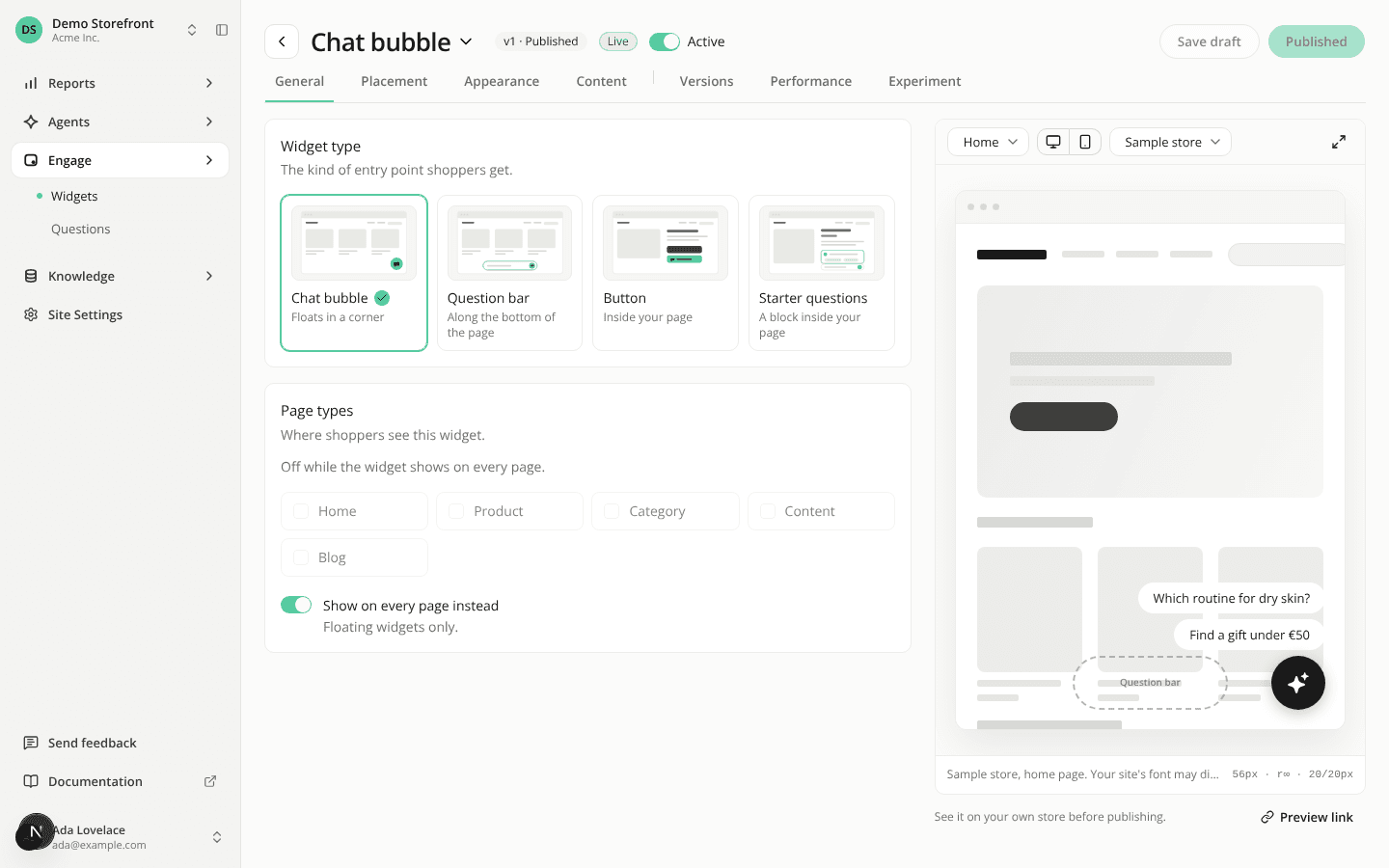
Settings keeps its tabs in view, and the widget header is shorter
ChangedSettings keeps its tabs in reach. The Settings title and its row of tabs now stay at the top of the page while you scroll, so you can switch from Website to Brand or Installation without scrolling back up.
The widget header is shorter. The line under the widget's name that said where it shows (such as "Every page · bottom right") is gone: the General tab already lists the page types and the Placement tab the position. The only thing left under the title is the Preview link active badge, while a storefront preview link is out. The header, with Save draft and Publish, still stays at the top while you scroll.
Resources