Brand identity, with a font colour and colours worked out for you
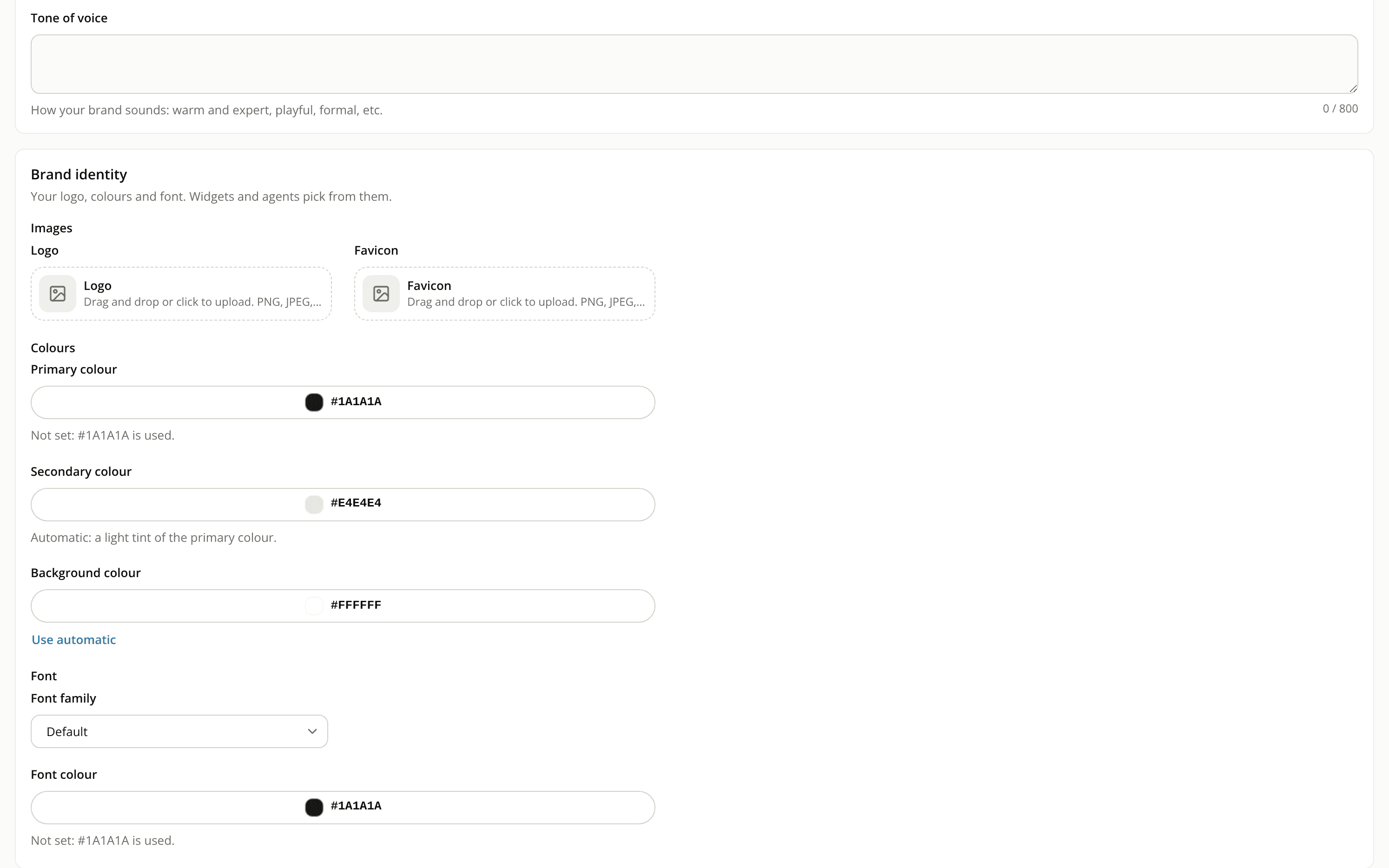
ChangedThe Appearance card of a site's Brand settings is now Brand identity. It groups what makes your brand recognisable: Images (logo and favicon), Colours (primary, secondary and background) and Font (font family and font colour). Your engagement widgets and the conversation both pick from it.
A new font colour. It sets the text of the conversation and, in your widgets, the Starters title and the text a shopper types. If it reads at less than 4.5:1 on your background colour, a warning tells you. You can still save.
Leave a colour empty and it's worked out for you. An empty primary or font colour uses #1A1A1A, a soft black. An empty secondary colour is a light tint of your primary, and follows it when you change the primary. An empty background is white. Each picker shows the colour that will actually be used. Every colour you set has a Use automatic link to go back to the derived value.
A site with no colours set now looks different in the conversation. Its header and buttons use the soft black instead of iAdvize green, and the shopper's message bubble uses the light tint of it.
You confirm before a new brand goes live. A change to a colour or the font repaints your live site at once, widgets included, so Save changes first asks you to confirm. If an A/B test is running on one of your widgets, the dialog names it and warns that a colour change can skew its results. Colours you set by hand on a widget stay as they are.
Undo puts your previous brand back. After you apply, the confirmation message offers Undo, which restores your previous colours and font. It doesn't bring back a logo or favicon you replaced or removed.
Resources