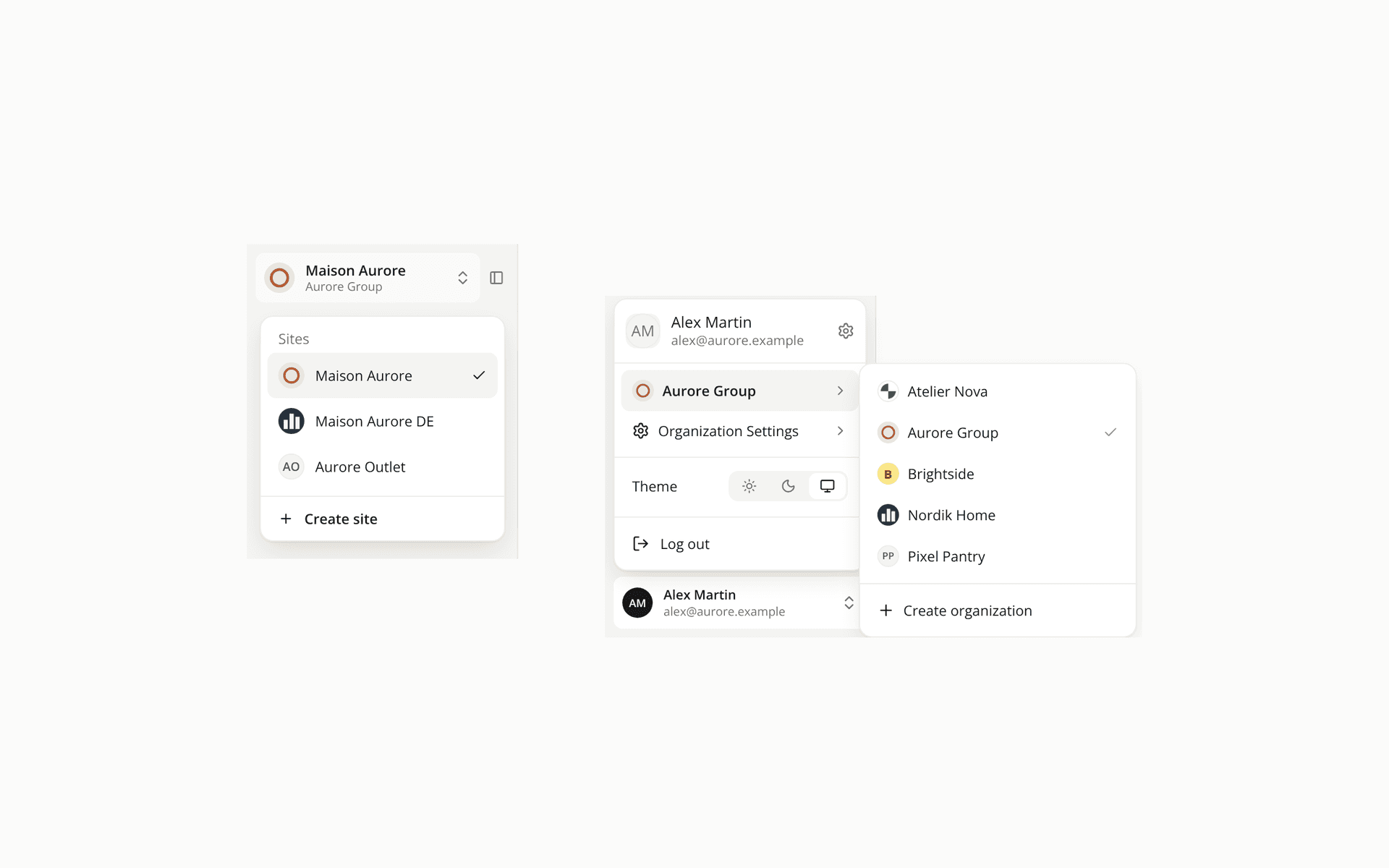
Sites and organizations show their logo in the switchers
ChangedThe round mark in front of a name is now the real image when there is one.
- Sites. The site switcher shows the site's favicon, or its logo when there is no favicon, on the button at the top of the sidebar and on every row of the list. Upload them under the site's Branding settings.
- Organizations. The user menu shows your organization's logo on your current organization and on each row of the organization level. Upload it in the Organization profile card.
A site or organization with no image keeps its initials, and so does one whose image can't be loaded. An image sits on a white backing, so a transparent logo with dark artwork stays readable in the dark theme. The Favicon and Logo fields now say where the image is used.
Resources