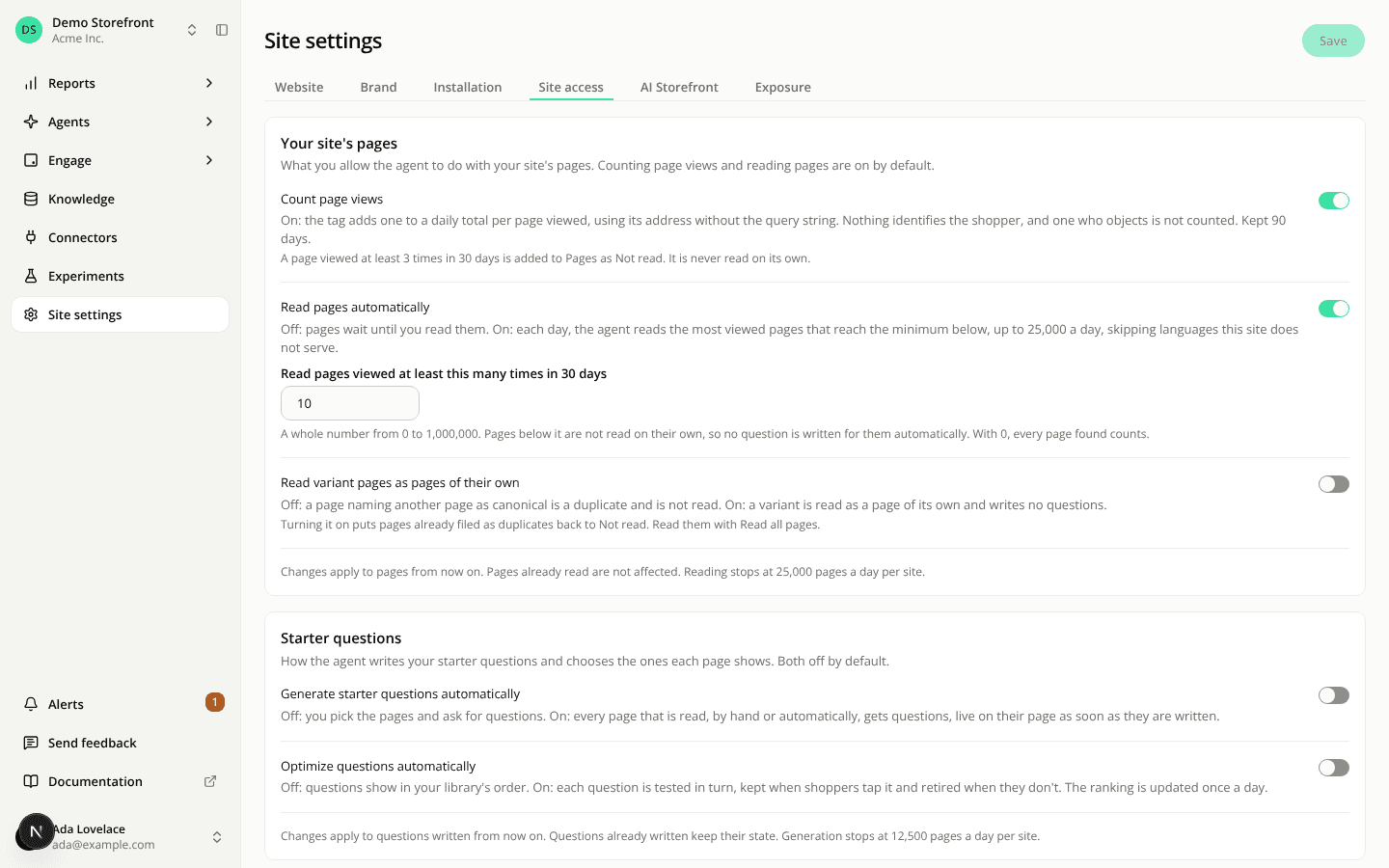
Read variant pages as pages of their own
AddedA page whose canonical address is another page of your site used to be filed Unsupported, Duplicate of {path}, and its read was cleared. The agent could not answer from it.
Site access has a new switch, Read variant pages as pages of their own. It is off by default. Switched on, a page that is a variant of its canonical keeps its text, facts and search, and shows as Read. It keeps a link to the page it names as canonical, and writes no starter questions: the canonical page's questions stay the only ones.
A page counts as a variant when it is a product page that differs from its canonical: another SKU, another price, another title, or a text that is no longer nearly the same. A page that repeats its canonical stays a duplicate. A copy in another language or market, a collection and a pagination are never variants. It is decided when the page is read, on what the two pages say, not on their addresses.
- Turning it on puts the duplicates it covers back to Not read. Nothing is read at that moment. Read them with Read all pages, or let the daily automatic reading pick them up.
- Turning it off hides these pages from the agent at once, with no new read. They stay in your Pages list.
- The page you started from lists its variants. Open the view of a page and a Variants card links to each of them.
- A duplicate the setting would keep says so in its view, with a link to Site access while the setting is off.
The setting is also in the REST API (readVariantPages on Update a site) and the MCP server (set_site_automation, read back by list_sites). Changes are recorded in Admin activity as Variant page reading changed.
Resources