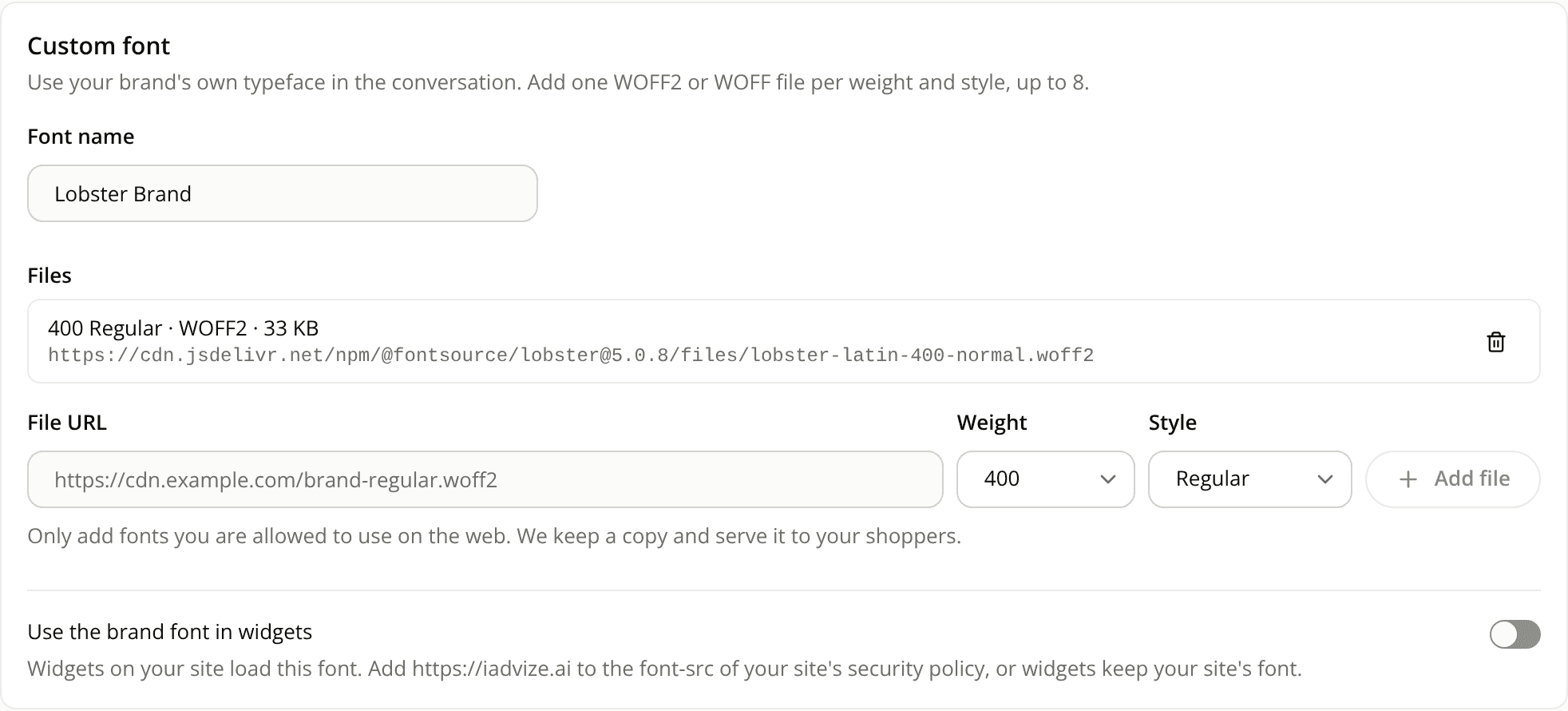
Use your own brand font in the conversation
AddedThe conversation can now use your own typeface, not only one of the 20 curated fonts. On your site's Brand tab, the new Custom font card takes the address of each font file: one WOFF2 or WOFF file per weight and style, up to 8 files of 1 MB each. On Save, AISA downloads and checks every file and serves its own copy to your shoppers from the iAdvize domain. A file that fails is named with the reason, and nothing from that Save is stored.
Once the font has a file, pick Custom font in Font family. The conversation uses it on your public agent page, in the panel the web tag opens on your storefront, and in the playground.
Your engagement widgets keep your storefront's font unless you switch on Use the brand font in widgets. If your storefront has a Content-Security-Policy, add https://iadvize.ai to its font-src first. When the font is blocked or slow to load, the widgets keep your storefront's font and work as before.
Only add fonts your licence lets you use on the web. The same settings are on the REST API (PATCH /api/v1/sites/{siteId}) and the MCP server (set_site_custom_font).
Resources