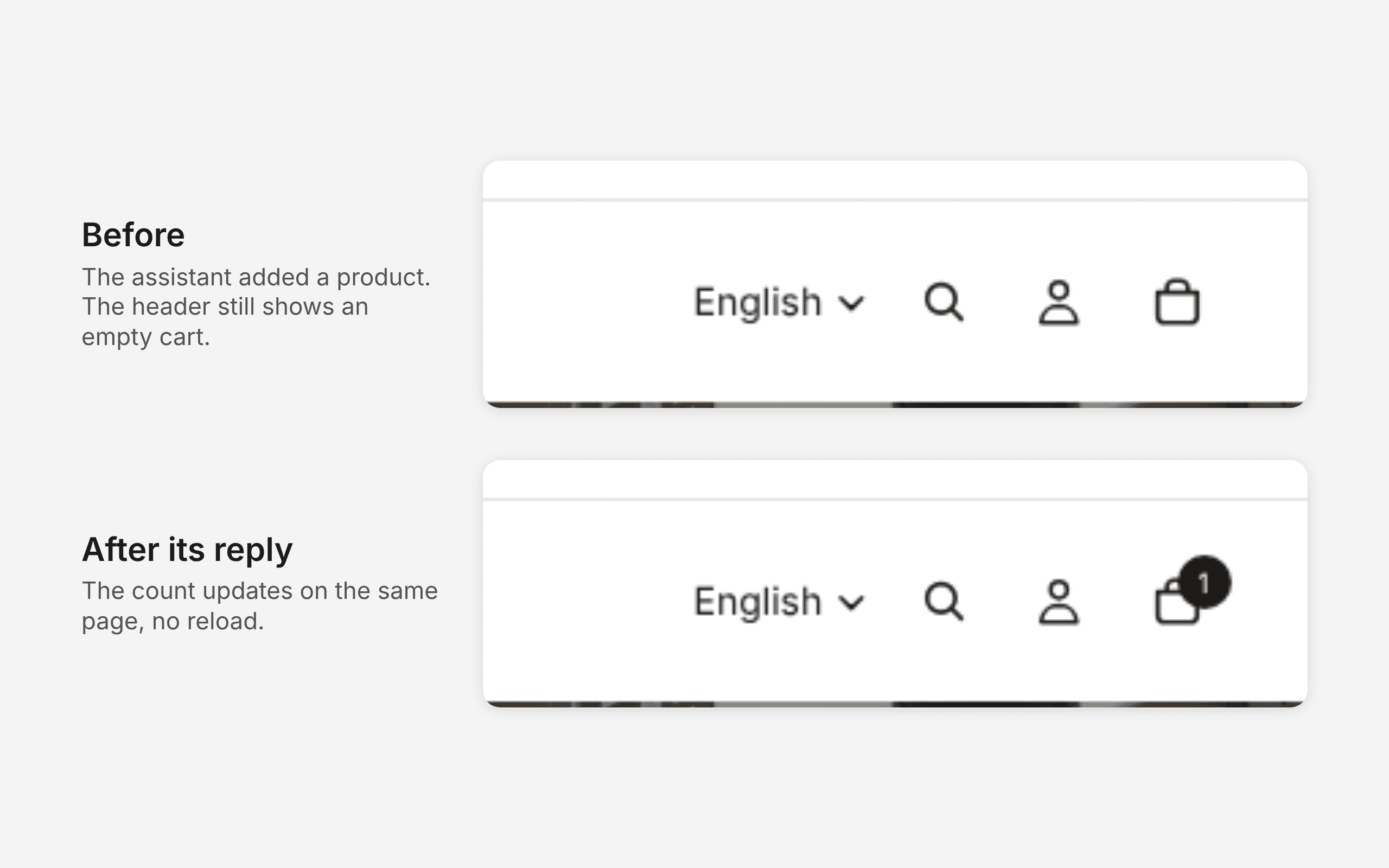
Your store's cart count updates when the assistant changes the cart
ChangedThe cart icon no longer lags behind the assistant. On a Shopify store with the web tag, the assistant works on the shopper's own cart. Until now, your header kept showing the old count until the shopper loaded another page, and a shopper who saw no change could add the product a second time from your theme.
Now, when the assistant's reply ends, the tag refreshes the cart count your theme shows on the page. It asks your store to render the section that holds the count again and copies only the count into the page. The rest of your header, its menu and its scripts stay as they were.
A few things to know:
- Same method on every theme, nothing to set up. It works on themes that render their cart count in a Shopify section.
- The cart drawer is not refreshed. The tag never opens it, and a drawer already on the page can show the old lines until the next page view.
- Nothing is written and nothing reloads. The refresh only reads from your store, and it does not fire your theme's cart events, so your analytics don't count the add twice.
- A theme that draws its count by script keeps the old count until the next page view. Your developer can refresh it with the new
cart:updatedtag event, which fires after each change the assistant makes to the cart.
It works the same for a shopper who objected to measurement: the refresh shows them the change they asked for and records nothing.
Resources